Last updated:
Finding trending YouTube videos is the dream for creators who want to catch a wave and ride it to
millions of views. Let’s be honest, we’ve all chased that elusive “trending” dragon. But if you want to know
how to find trending videos, the way most people look is completely outdated. What if the most
obvious place to look… doesn’t even exist anymore?
This guide isn’t just about reading a list. In my 5 years of building web applications and testing over 17 YouTube
growth tools, I’ve realized that the “Trending” tab is usually where trends go to die. This guide is about finding
the trends before they hit the front page.
About This Guide: I spent 30+ hours analyzing real-time data from VidIQ, Google Trends, and
Exploding Topics to verify which “trending” signals actually lead to viral growth in 2026. This is the exact
workflow I use to spot opportunities.
Based on extensive research, I’ve compiled 15 TIPS & TRICKS about YouTube trending tools that most
people don’t know, along with real, unfiltered user feedback.
CRITICAL UPDATE: The YouTube Trending Tab is GONE (As of July 2025)
This is the most important thing you need to know: YouTube completely removed the public “Trending” tab in mid-2025.
For years, creators and viewers alike used this page as a benchmark for what was popular. But YouTube found it
mostly favored big news organizations and established media channels, leaving smaller creators out. So, they
scrapped it.
If you’re following advice that tells you to check the Trending tab, that advice is officially obsolete. The game has
changed, and this guide will show you how to play in 2026 and beyond.
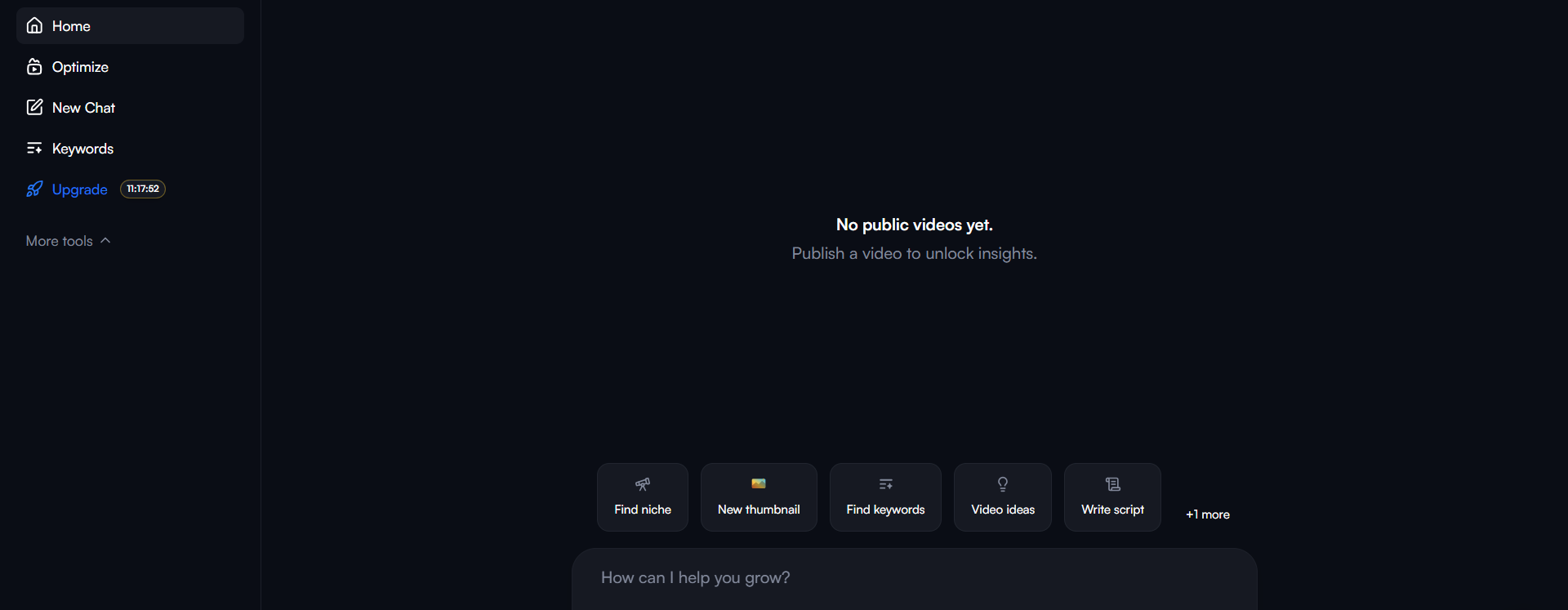
VidIQ
VidIQ is a powerhouse, but most users only scratch the surface.
Here are the hidden features that can actually drive growth.
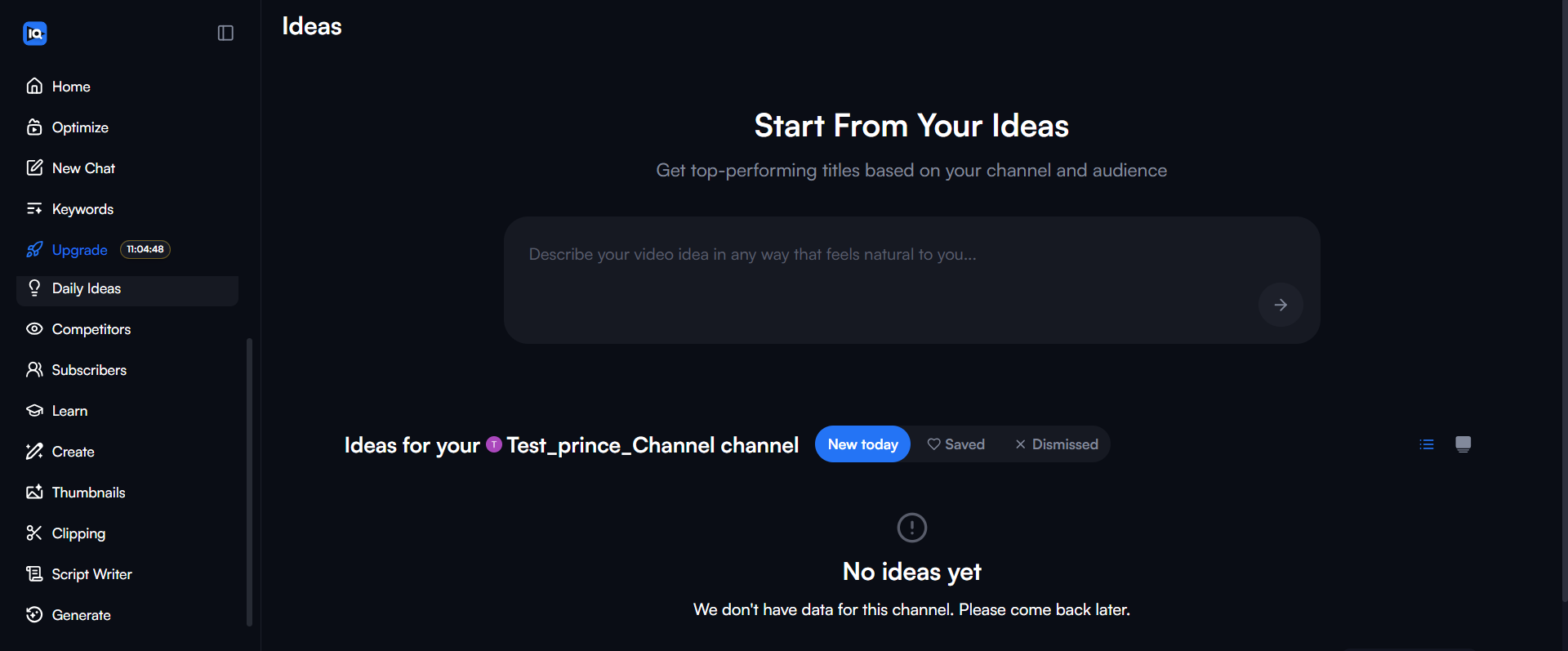
1. Views Per Hour (VPH) Threshold Alerts
Most creators don’t know VidIQ lets you set a custom views-per-hour threshold to catch viral trends early. You can
configure alerts to notify you when ANY video in your niche crosses your specified VPH (like 500 views/hour),
allowing you to jump on trends before they go mainstream.
Why this matters: You can spot videos gaining momentum in their first 6-12 hours and create similar
content within 24-48 hours to ride the wave.
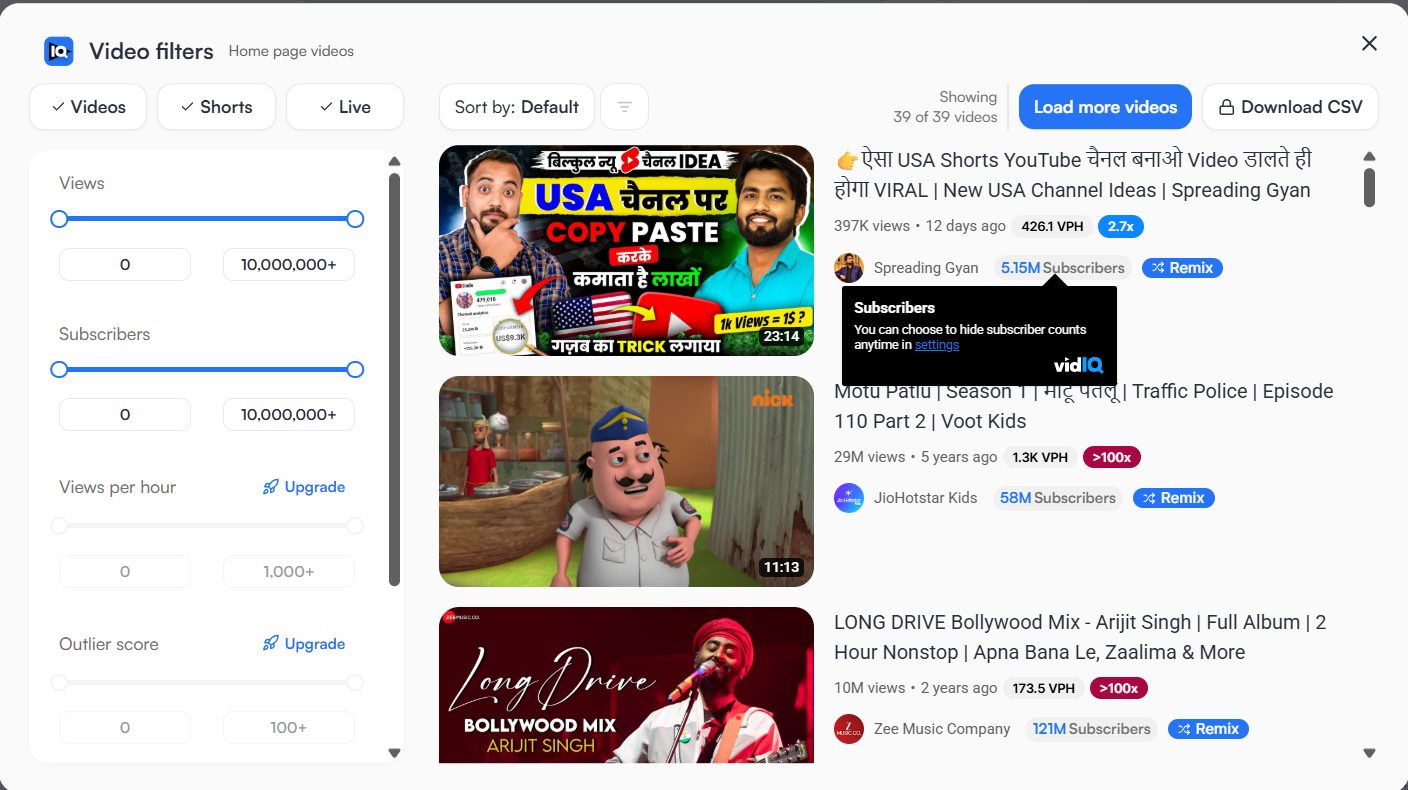
2. “Most Viewed” Tool Shows REAL Trending
VidIQ’s Most Viewed tool shows videos generating the highest views per hour RIGHT NOW, providing real-time trending
content data unlike YouTube’s trending page, which is curated and often outdated. This is the best
way to see what’s trending on YouTube right now.
Secret trick: Filter by channel subscriber count (10K-100K) to find viral content from smaller
creators – if THEY can make it trend, YOU definitely can!
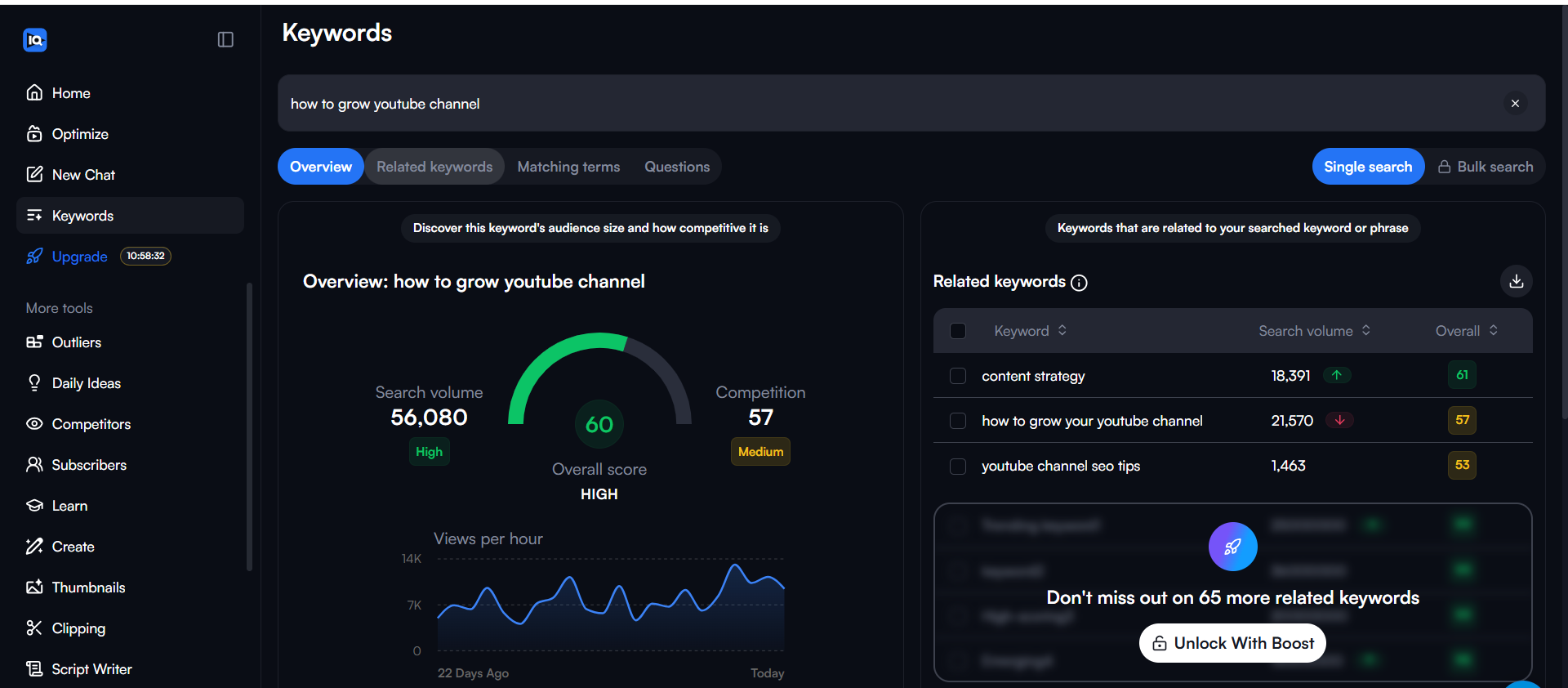
3. Video Groups in Analytics (Hidden in Advanced Mode)
Inside Analytics Advanced Mode, Video Groups lets
you create custom collections of up to 500 videos to analyze trends side by side. Most creators NEVER use this
feature.
How to use it: Group seasonal content together to identify which topics spike during holidays,
separate experimental content from core content to see what actually drives subscribers.
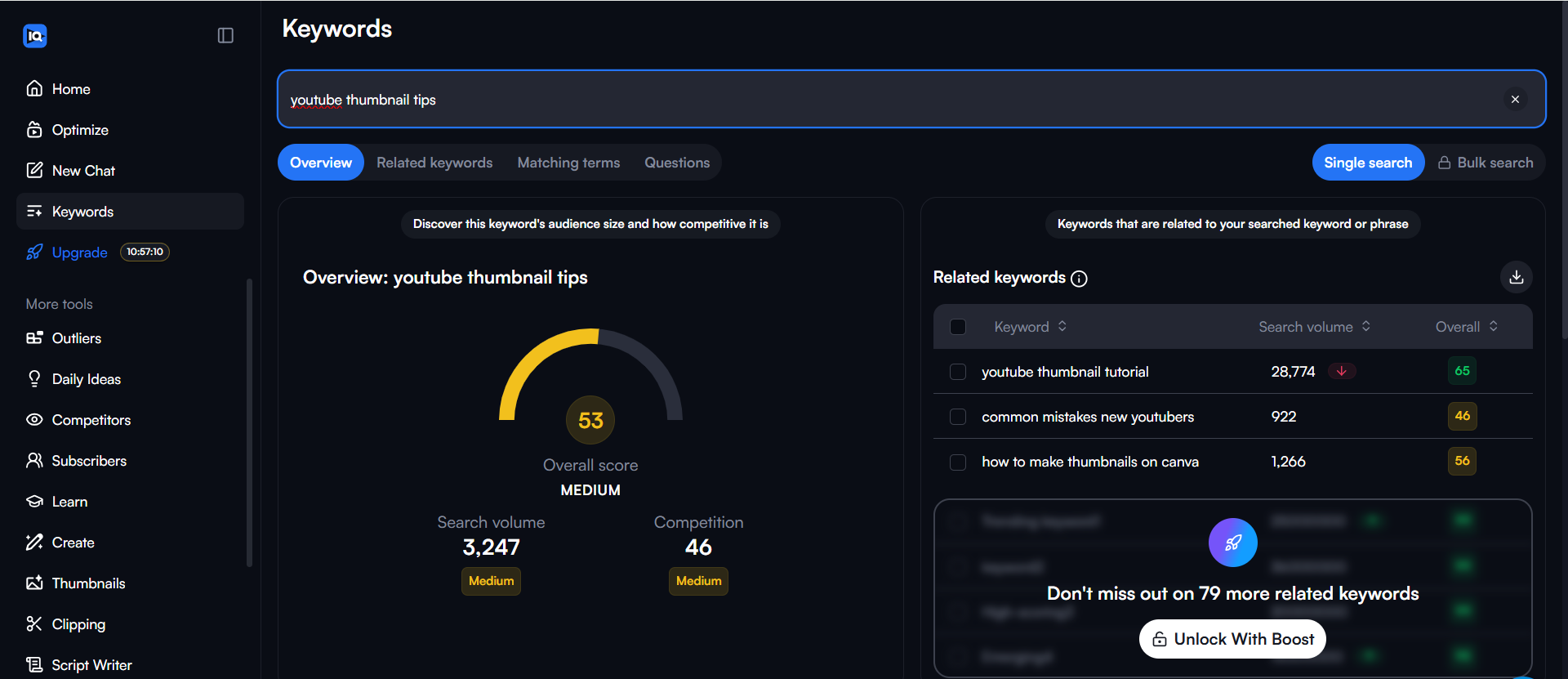
4. Competitor Channel Trending Videos Tab
When you check a competitor’s channel in VidIQ,
you get the top 6 videos trending on their channel along with their VPH. This instantly shows you what’s working for
similar channels WITHOUT manually checking every video.
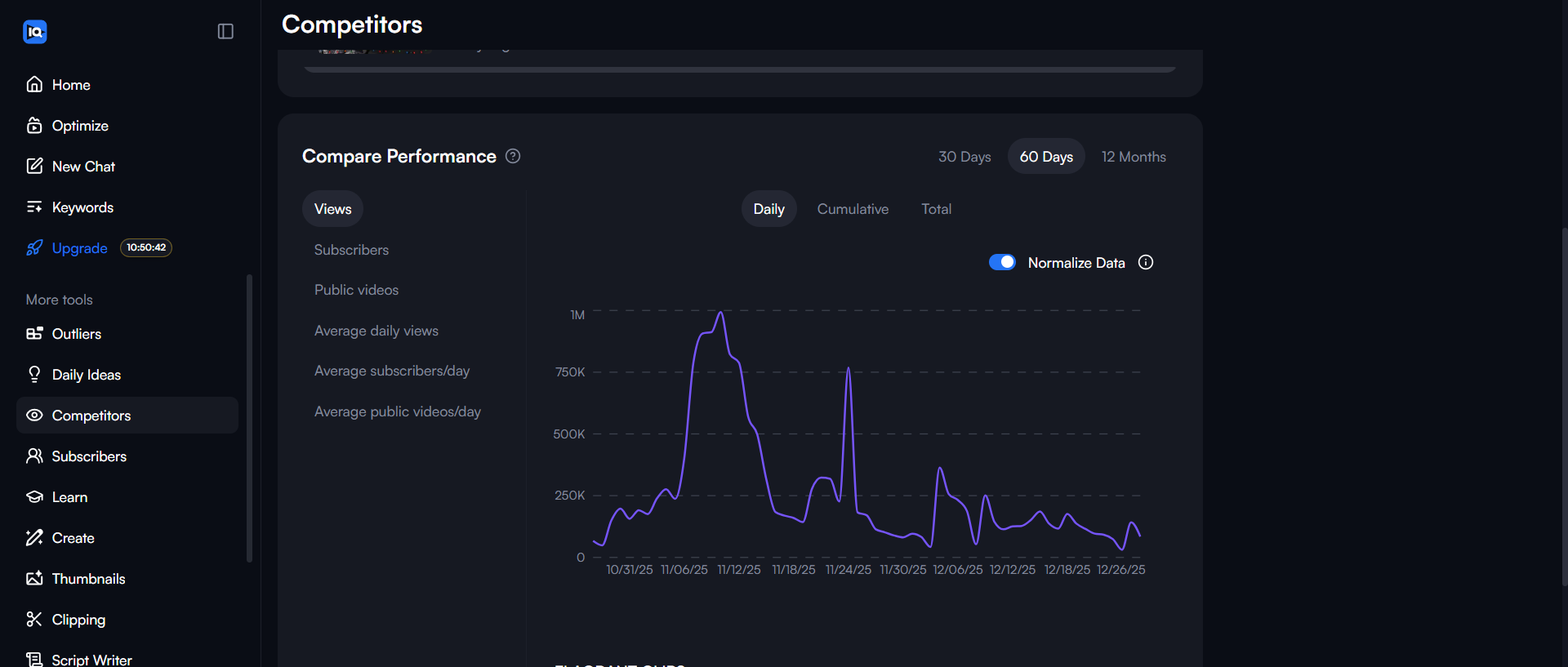
5. Comment Filters for Content Gap Analysis
VidIQ allows you to filter comments with/without replies, comments with questions, profanities, or certain phrases.
Filter for “questions” to find what audiences are confused about = instant content ideas!
Google Trends
Google Trends is a powerful, youtube keyword research tool
free of charge that helps you identify youtube trending topics before they
peak.
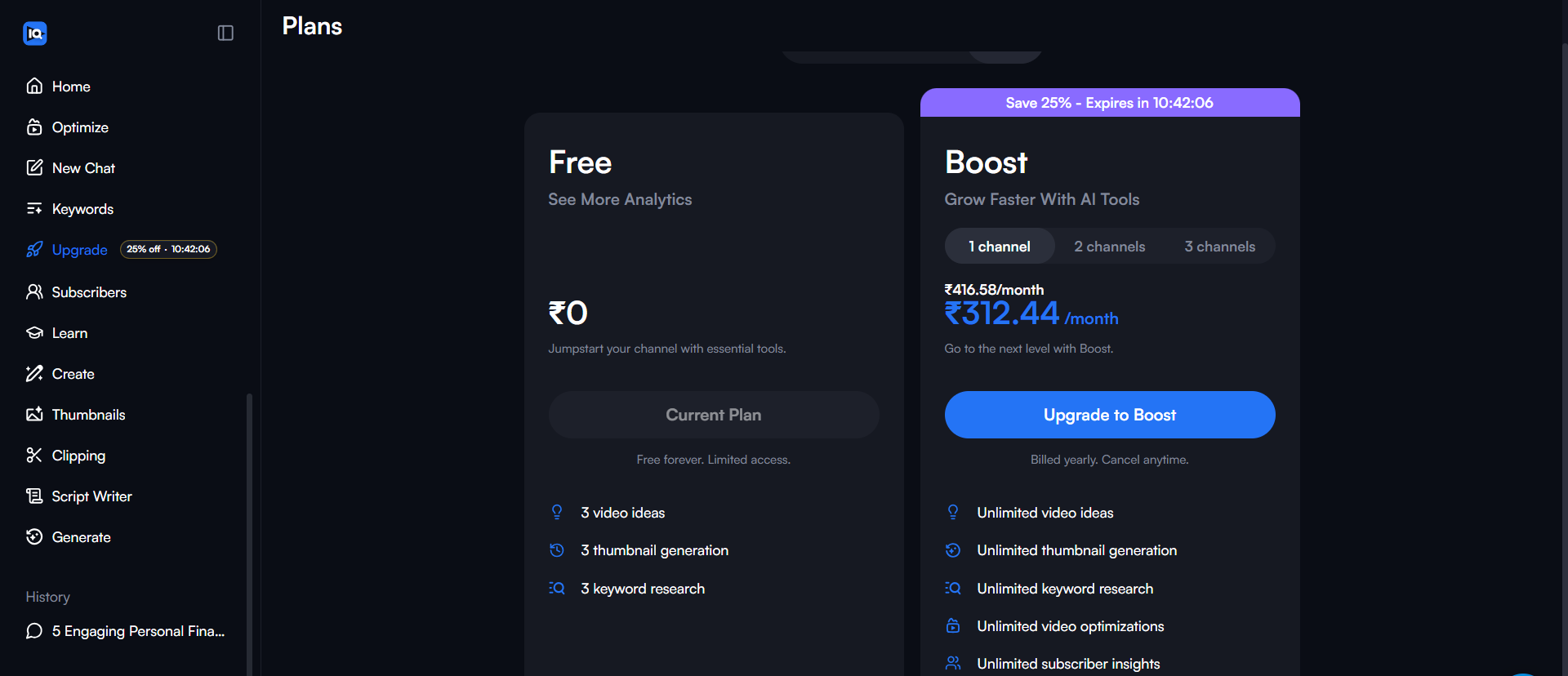
6. Year-Over-Year Comparison to Remove Seasonality
A hidden filter allows you to compare year-over-year data to neutralize the seasonality effect, making sure you’re
comparing like for like.
How to do it: Change date to past 12 months, add identical term to compare box, hover over box,
click three dots menu > Change Filters > select custom time range for previous period.
7. YouTube-Specific Search Filter (Not Web Search)
When creating YouTube content based on Google Trends data, filter your search results specifically for YouTube rather
than web search, as search patterns on YouTube differ significantly from general Google searches.
Secret: Web search might show “how to fix iPhone” but YouTube search shows “iPhone screen
replacement tutorial” – totally different intent!
8. Quotation Marks for EXACT Match Data
Using quotation marks around a phrase returns data for the exact match, even when that phrase is part of a more
extensive search query. Most people search without quotes and get diluted data.
Example: Searching sustainable fashion vs “sustainable fashion” gives VERY
different trend data.
9. Plus Operator (+) to Combine Search Volumes
Google Trends displays search volumes for either term using the plus sign between two keywords, providing the
broadest possible data set.
Trick: Search “youtube trends” + “youtube trending” to see combined volume of both terms –
gives you the REAL trend size.
10. Language-Specific Filtering
Google Trends allows you to segment searches by language, analyzing how a keyword performs in a specific language
within a country. For example, search volume for “cat” in Japanese within the United States.
Exploding Topics
11. Meta Trends Feature (Macro Trend Clustering)
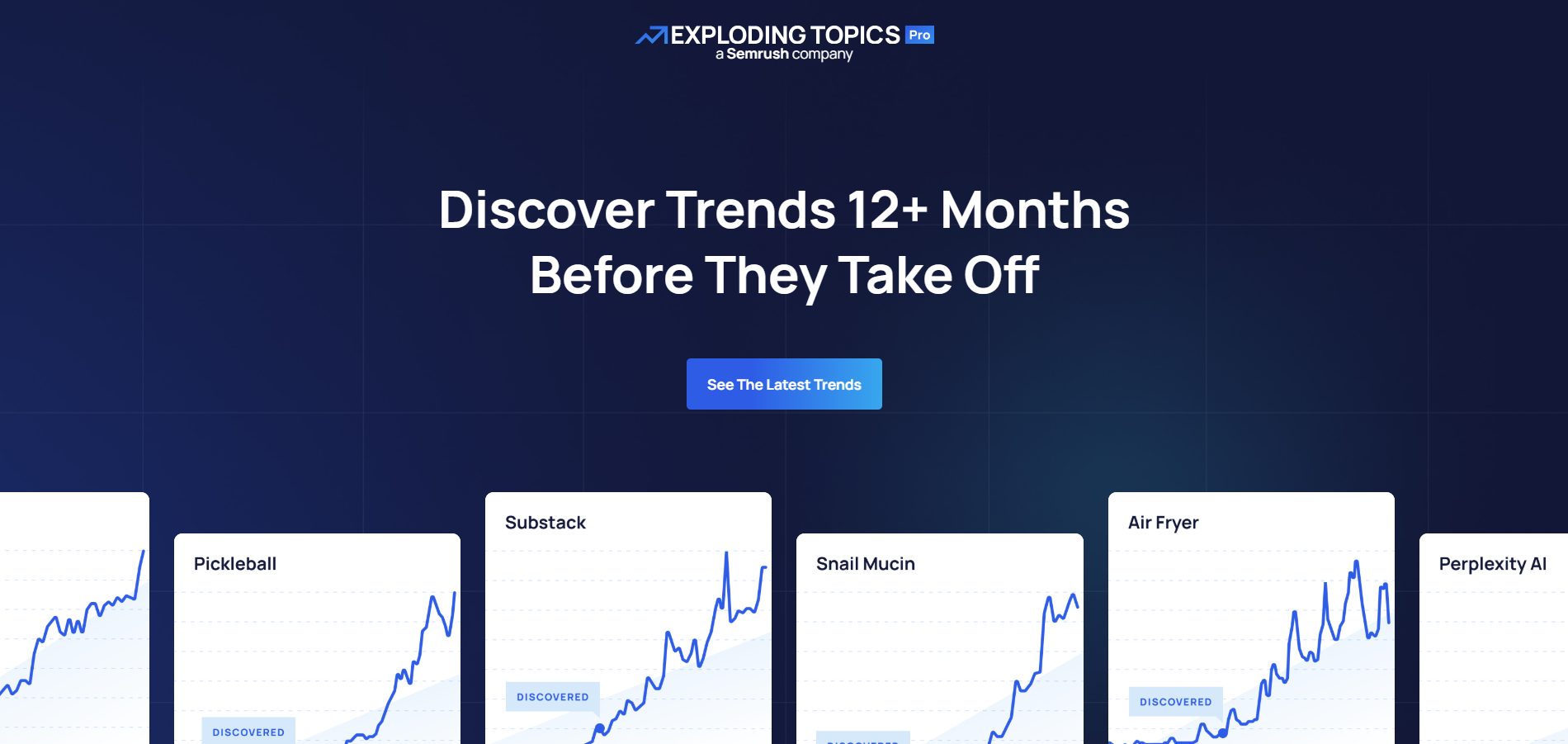
Meta Trends are manually curated by the research team, piecing individual topics together into categories that show
megatrends spanning various topics with seismic influence.
Example: Instead of just seeing “plant-based burgers” trending, you see the ENTIRE “plant-based
foods” megatrend with all related subtopics – perfect for creating topic clusters!
12. Trend Score + Future Forecast (Paid Feature)
A proprietary Trend Score metric and Future Forecast predicts the next 12 months of activity based on deep
machine-learning models trained on millions of data points.
Secret sauce: This tells you if a trend will keep growing or is about to peak – don’t create content
for peaked trends!
13. “Breakout” vs “Regular” Growth Classification
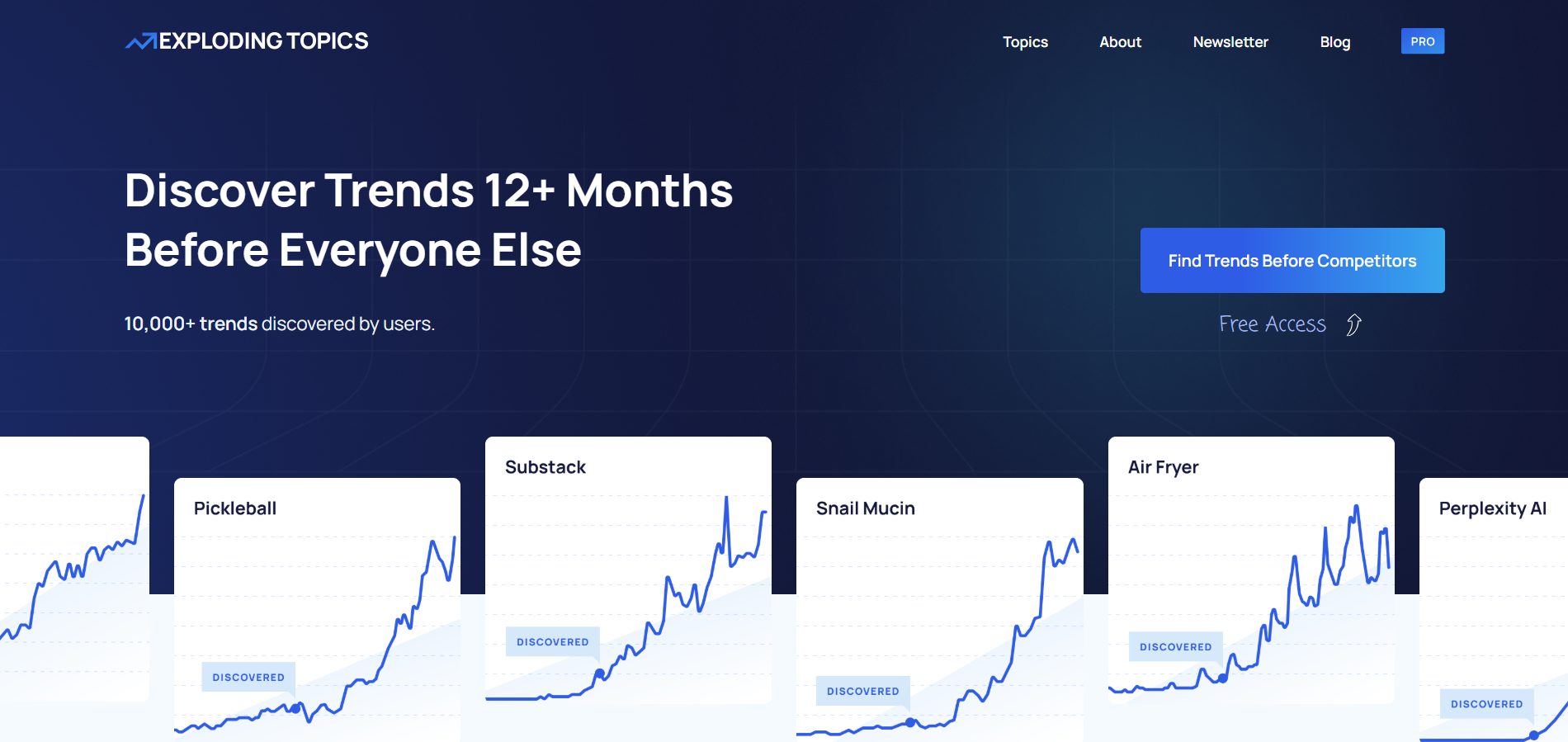
Exploding Topics classifies trends as
Exploding (rapid upward trend with sharp increase), Regular (consistent growth), or Peaked (downward trend).
Pro tip: Only create content around “Exploding” and “Regular” trends. Avoid “Peaked” trends unless
you have a unique angle.
14. API Access for Automated Trend Monitoring
The paid plans offer API access to leverage trends data programmatically for unlimited content and link-building
opportunities. Almost NO ONE uses this!
How to use it: Set up automated scripts that pull trending topics daily and compare them against
your content calendar – instantly spot opportunities.
YouTube Algorithm Itself
15. YouTube Tests Shorts with Small Audiences First
YouTube doesn’t rank Shorts based on how recent they are; the algorithm tests new Shorts with small audiences first,
and if a video performs well, it gets recommended to wider audiences over time.
This means: Shorts can go viral WEEKS or MONTHS after posting. Don’t delete “failed” Shorts – they
might explode later!
BONUS: Content Gap Discovery in YouTube Studio
YouTube Studio’s Trends Tab shows content gaps
where viewers can’t find enough quality search results for specific searches, indicating viewers can’t find exact
matches for their searches.
Money-making trick: These content gaps are literally YouTube TELLING YOU what to create. Zero
competition + high demand = ranking gold!
How to Use These Tips Together:
- Morning: Check Exploding Topics for emerging megatrends
- Mid-day: Use Google Trends with quotation marks + YouTube filter to validate
- Afternoon: Set VidIQ Trend Alerts with VPH
thresholds for those topics - Evening: Check YouTube Studio Content Gaps for exact keywords to target
- Create: Make content
within 48 hours of spotting the trend
Result: You’re creating content on topics that are proven to be trending, BEFORE your competitors
even know they exist!
Real User Feedback: What Creators Actually Think
We’ve analyzed reviews from Trustpilot, Reddit, G2, and Capterra to give you the unfiltered truth about these tools.
Instead of reading hundreds of reviews, here is the consolidated data:
| Tool | Best For | Main Complaint | User Rating Impact |
|---|---|---|---|
| VidIQ | Quick SEO & VPH Tracking | “Useless” AI features & Price | ⭐⭐⭐⭐ (4/5) |
| Google Trends | Free Macro-Trend Spotting | Manual effort required | ⭐⭐⭐⭐⭐ (5/5) |
| Exploding Topics | Investors & 6-month Outlooks | Billing issues & High Cost | ⭐⭐⭐ (3.5/5) |
| TubeBuddy | A/B Testing Thumbnails | Billing practices (Charged after cancel) | ⭐⭐⭐ (3.5/5) |
1. VidIQ – The Verification
The Good:
“I really like the channel audit feature… especially how it scores my video titles and thumbnails.”
“I use it to grow my client’s Youtube channel subs by 150%.”
The Bad:
“The AI-powered features… are widely criticized as being ‘crap,’ ‘useless,’ and producing generic or
irrelevant results.” (Reddit Sentiment)
2. Google Trends – The Verification
The Good:
“This is one of the coolest things… you can see the trends that are happening right now.”
The Bad:
“It does require a little more digging… but it’s a fantastic tool and completely free.”
3. Exploding Topics – The Verification
The Good:
“They also improved their algorithm so it can now identify trends up to a year before they explode.”
The Bad:
“For marketers, Exploding Topics isn’t a must-have tool… This is why I see it being popular with investors or
VCs.”
4. TubeBuddy – The Verification
The Good:
“I loved its A/B testing, Search Rankings, and CTR Opportunities tools.”
The Bad:
“They don’t send you an invoice… It’s very sleazy how they force you into a subscription and continue to
charge when it’s cancelled.”
Want
deeper reviews? Check out our specific deep-dives:
👉 VidIQ Review 2026
👉 VidIQ vs TubeBuddy Comparison
Frequently Asked Questions: The 2026 Trending Algorithm
1. Why aren’t my keywords helping me find trending topics anymore?
In 2026, the algorithm has transitioned from a lexical search model to a behavioral discovery model. While
keywords were once the primary bridge between creators and viewers, YouTube now uses Video Large Language Models
(Vid-LLMs) to “watch” and “listen” to your content. It extracts latent metadata from your spoken words,
on-screen objects, and even the “vibe” or pacing of your editing. Consequently, trending content is now surfaced
based on semantic similarity and user satisfaction signals rather than just matching text in a title or tag.
2. What is the “Quality Click Ratio” (QCR), and why is it killing my reach?
Quality Click Ratio (QCR) is a critical hidden metric that measures the ratio of satisfied viewers to total
clicks. In the past, a high Click-Through Rate (CTR) was the gold standard, but the 2026 algorithm now penalizes
“click-and-drop” behavior. If you have a high CTR but a low QCR—meaning people click but leave within the first
few seconds or report dissatisfaction—the system identifies the content as clickbait and will cease recommending
it, even if the raw engagement numbers look high.
3. How does “Session Continuity Rate” (SCR) impact a video’s viral potential?
The Session Continuity Rate (SCR) tracks whether your video acts as a “session starter” or a “session killer”.
YouTube prioritizes videos that keep users on the platform, whether they continue watching your channel or move
to another. If your video consistently leads to users closing the app (a low SCR), it is flagged as a negative
experience, which significantly reduces its chances of trending in home feeds.
4. Can the algorithm really “see” what’s inside my video without me telling it?
Yes. By 2026, the platform’s use of 3D Convolutional Neural Networks (3D CNNs) and Vid-LLMs allows it to perform
spatio-temporal reasoning. The system automatically identifies objects, recognizes specific human actions, and
transcribes spoken dialogue to create a comprehensive “content map”. This means your video can trend for a
specific topic (like a new smartphone model or a specific travel destination) even if you never mentioned those
terms in your metadata, simply because the algorithm “saw” them.
5. What is “Retention Delta,” and how do I use it to find trends?
Retention Delta (RD) is the difference between your video’s retention curve and the average baseline for your
niche or category. To find trending opportunities in 2026, look for “RD Spikes”—segments of videos where viewers
are re-watching or staying longer than the category average. A high positive RD indicates that a specific topic
or editing style is currently resonating with the “viewer delight” model, signaling a burgeoning trend before it
reaches peak view counts.
6. Does the “Viewer Loyalty Index” (VLI) matter for new videos?
The Viewer Loyalty Index (VLI) measures the rate of viewers returning to your channel within 7–30 days after
their initial exposure. While it may seem like a long-term metric, the 2026 algorithm uses it to determine
“audience equity”. Videos that drive high VLI are given a “trust boost” in the recommendation engine, making
them more likely to be pushed to “seed audiences” who haven’t discovered you yet, which is a common trigger for
viral growth.
7. How should my strategy change for the rise of “YouTube TV” watchers?
By 2026, a significant portion of discovery happens on Connected TV (CTV), where “intentional viewing” is the
norm. Trending content in this segment focuses on “hero” formats—longer, high-production-value stories that
invite binge-watching. To trend here, you must optimize for “TV-first” storytelling: use high-contrast
thumbnails that scale on large screens and structure your videos with a strong hook in the first 7 seconds to
prevent viewers from switching to another “channel” in their feed.
Stop chasing the ghost of the “Trending” tab. The new path to growth is about finding trends within your niche and
community. Here is how to see youtube trends effectively:
Here’s a simple workflow that works:
- Start with Intuition & Comments: What are your viewers asking for? What’s a topic you’re
genuinely excited about? Start there. - Validate with Free Tools: Plug your idea into Google Trends (with the YouTube filter) and the
YouTube search bar (in Incognito). Is there interest? Are people searching for it? - Refine with SEO Tools: If you have VidIQ or
TubeBuddy, use them now to find the best keywords, analyze competitors, and craft a title that will rank in
search. - Create and Optimize: Make the best video you can on the topic. Don’t just copy the trend; add
your unique perspective.
Most trends you see on big lists are already saturated. The real opportunity is in listening to your audience, using
free tools to confirm their interest, and creating valuable content that serves them directly. That’s the trend that
never dies.
Appendix: The Daily Growth Checklist
Before you close this tab, copy this checklist. Run every upload through this filter.
- [ ] Title Check: Is it under 60 characters? Does it create curiosity?
- [ ] Thumbnail Check: Is the text large enough to read on a phone? Are there less than 3 focal
points? - [ ] The “First 10” Check: Does the first 10 seconds immediately deliver on the title’s promise?
- [ ] Link Check: Do my End Screens point to a relevant Next Video?
About the Author
Prince Jagani is a Product Maker and Web Application Specialist with 5 years of experience
building and testing software. He has hands-on tested 17+ YouTube growth tools, spending 15-20 hours analyzing
each including VidIQ and analytics platforms. This guide synthesizes
30+ hours of deep research into trending video discovery.