Last updated:
If you are like most creators, you probably spend half your time creating content and the other half staring at
charts in YouTube Studio, wondering why the line isn’t going up faster. We have all been there. The “analytics
paralysis” is real.
Here is the uncomfortable truth that most tool reviews won’t tell you: More data does not equal more
growth. In fact, for many small channels, obsessing over advanced analytics is a distraction from the
one thing that actually matters—making better videos.
However, there comes a point where YouTube Studio isn’t enough. You need to know what your competitors are doing,
which keywords are actually searchable, and how to speed up your workflow. That is where third-party tools come in.
In this guide, we are skipping the marketing fluff. We have analyzed user feedback from Reddit, G2, and our own
testing to bring you the honest reality of the best YouTube analytics tools in 2026. We will cover who needs them,
who should skip them, and the specific flaws you need to know about before you pull out your credit card.
Why YouTube Studio Is Not Enough (But Also Not Useless)
Before we look at paid tools, let’s defend the free one you already have. YouTube Studio is excellent for
understanding your performance. It gives you:
- Real-time metrics: Accurate views and watch time.
- Audience Retention: The single most important graph for improving your content.
- Revenue Data: Actual earnings, not estimates.
Where it fails: It operates in a vacuum. YouTube Studio cannot tell you what your competitors are
doing, it struggles to give you predictive keyword data, and it offers zero tools for bulk optimization or A/B
testing thumbnails.
That is the gap that third-party tools fill. They provide context and workflow.
How to Choose the Right YouTube Analytics Tool
Don’t just buy the tool your favorite YouTuber promotes. Choose based on your channel’s stage:
- Beginner (0–500 subs): Stick to YouTube Studio. You need to learn the basics of content
creation, not get lost in data. - Growth (500–5K subs): You need keyword validation and competitor
context. Entry-level plans from VidIQ or TubeBuddy work here. - Scaling (5K–100K subs): You need A/B testing and bulk processing to save time. This is where
premium tiers pay off. - Enterprise (100K+ / Brands): You need deep market intelligence. Tools like Tubular Labs become
relevant.
The Analytics Trap: Research shows that creators who analyze constantly but execute sporadically
grow slower than those who focus on content quality. If you spend 5 hours analyzing data and 1 hour making
videos, the tool is working against you.
Best YouTube Analytics Tools by Use Case
1. Best for SEO & Growth: VidIQ
VidIQ is widely considered the heavyweight
champion for keyword research and competitive insights. It integrates directly into your browser, overlaying data on
YouTube search results and video pages.
The Good:
- Keyword Inspector: It gives you search volume and competition scores right in the search bar.
This is invaluable for validating video ideas before you film. - Competitor Tracking: You
can track rival channels and see exactly which of their videos are trending right now (views per hour). - Channel Audit: A quick health check to see what’s working and what’s not.
“I utilize it primarily for keyword research. My videos consistently perform well in SEO; I attribute success
to VidIQ guidance.”
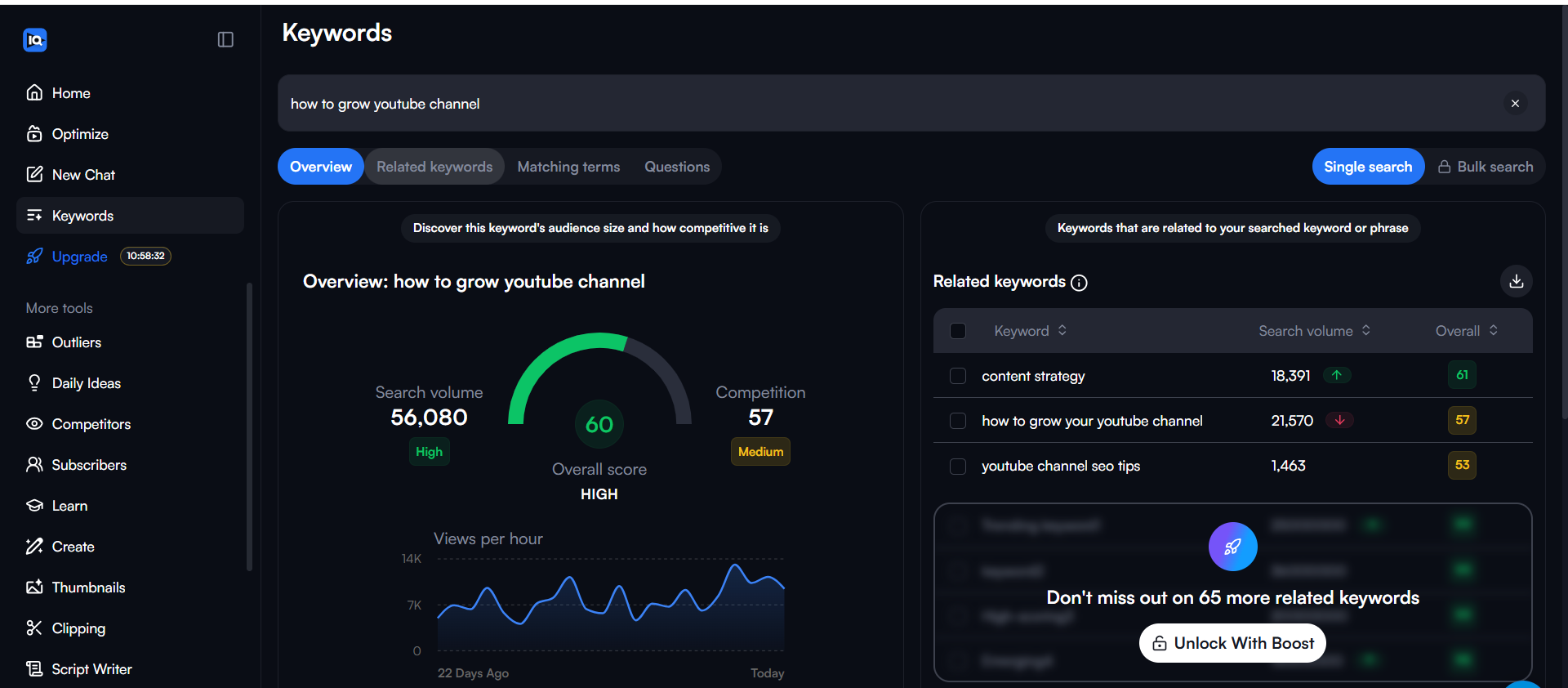
When you click into a specific keyword, VidIQ provides a comprehensive overview including historical search volume
and a breakdown of top ranking videos. This helps you understand if a trend is rising or falling.
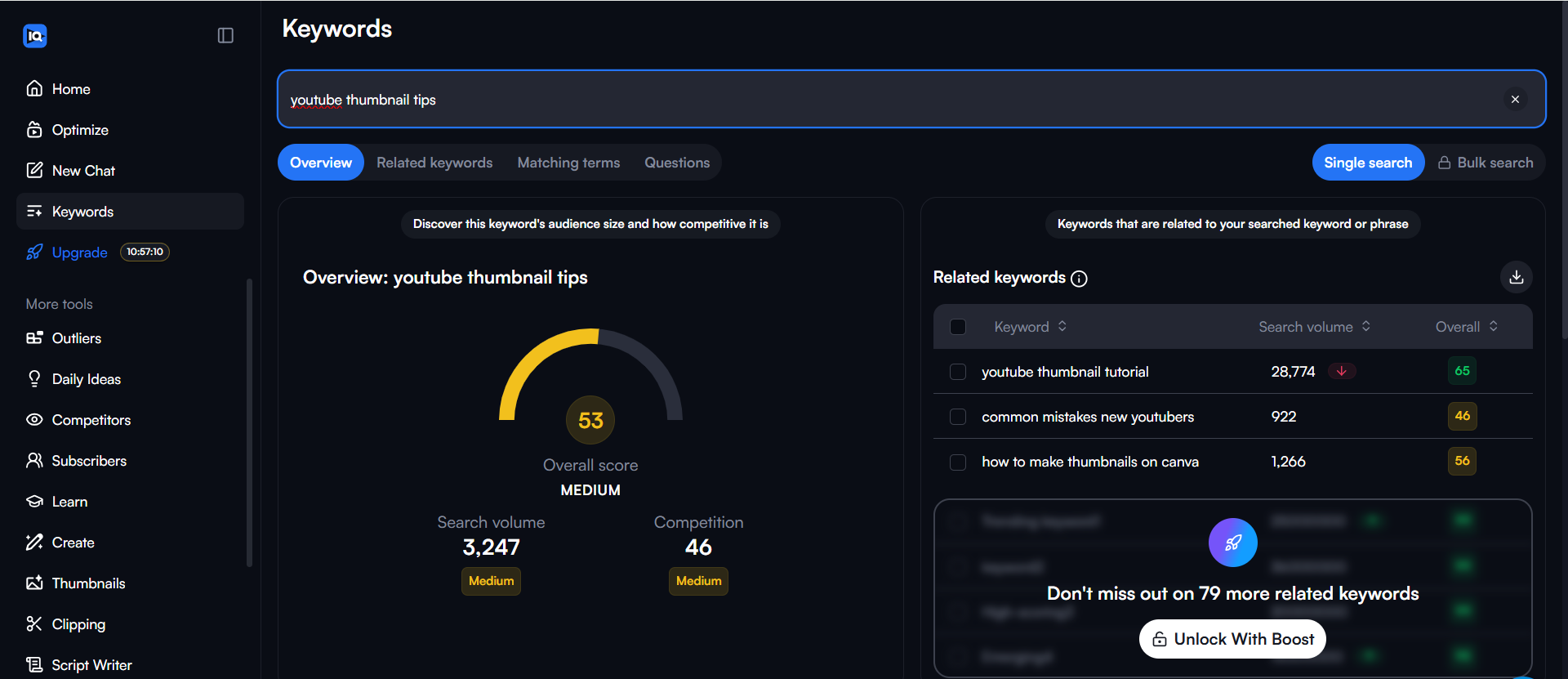
One of the most powerful aspects of VidIQ is the depth of its keyword data. Beyond just a score, you get a detailed
breakdown of related keywords and matching terms, which is crucial for finding long-tail opportunities.
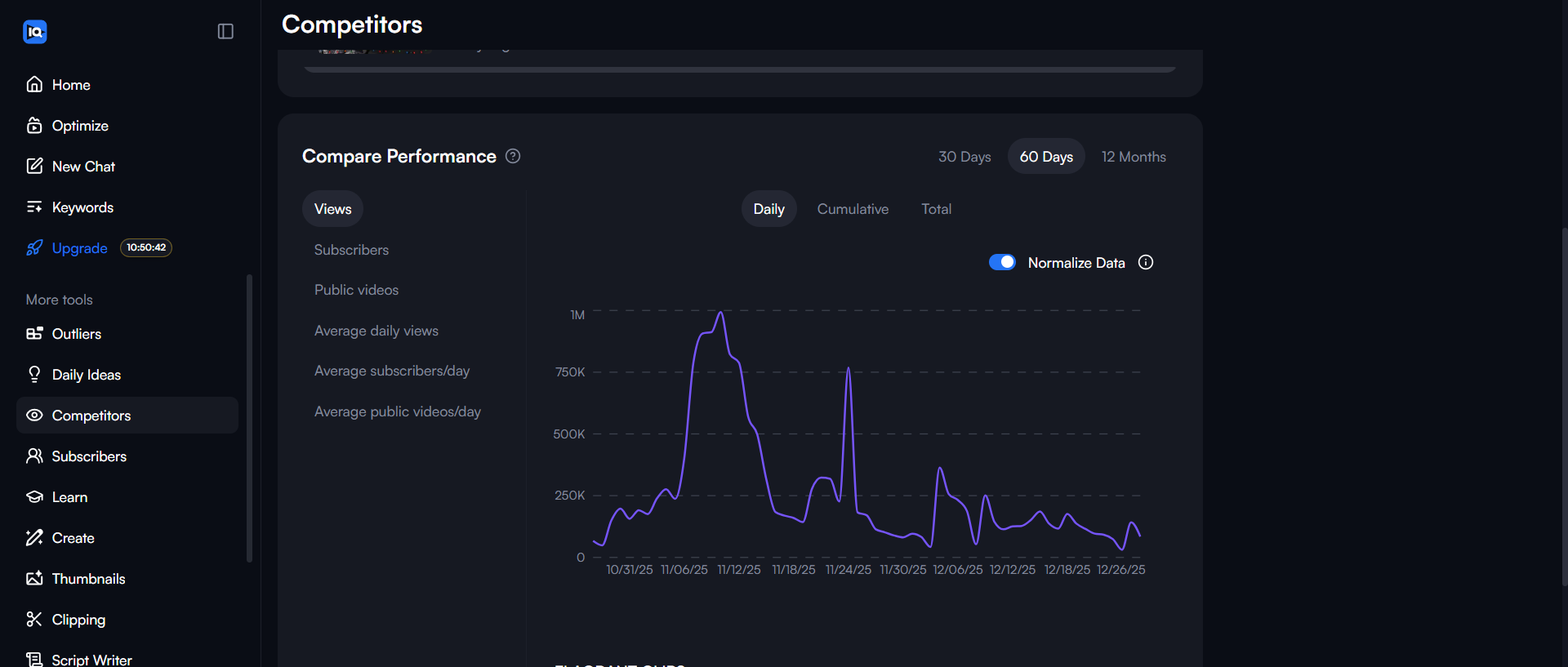
Additionally, the tool provides advanced filters directly in the YouTube search bar, allowing you to sort by view
count, date, and channel size to find viral outliers in your niche.
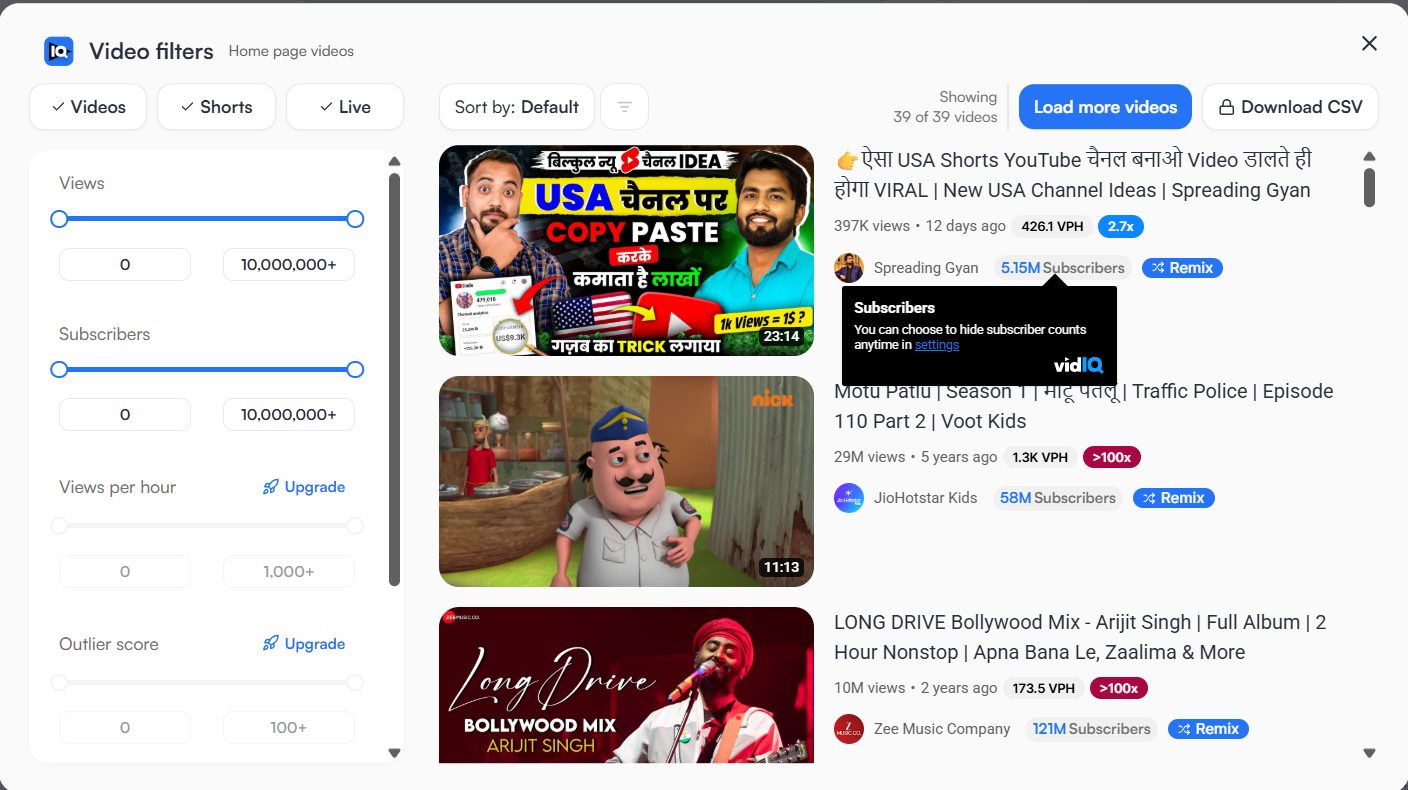
The Hidden Gems:
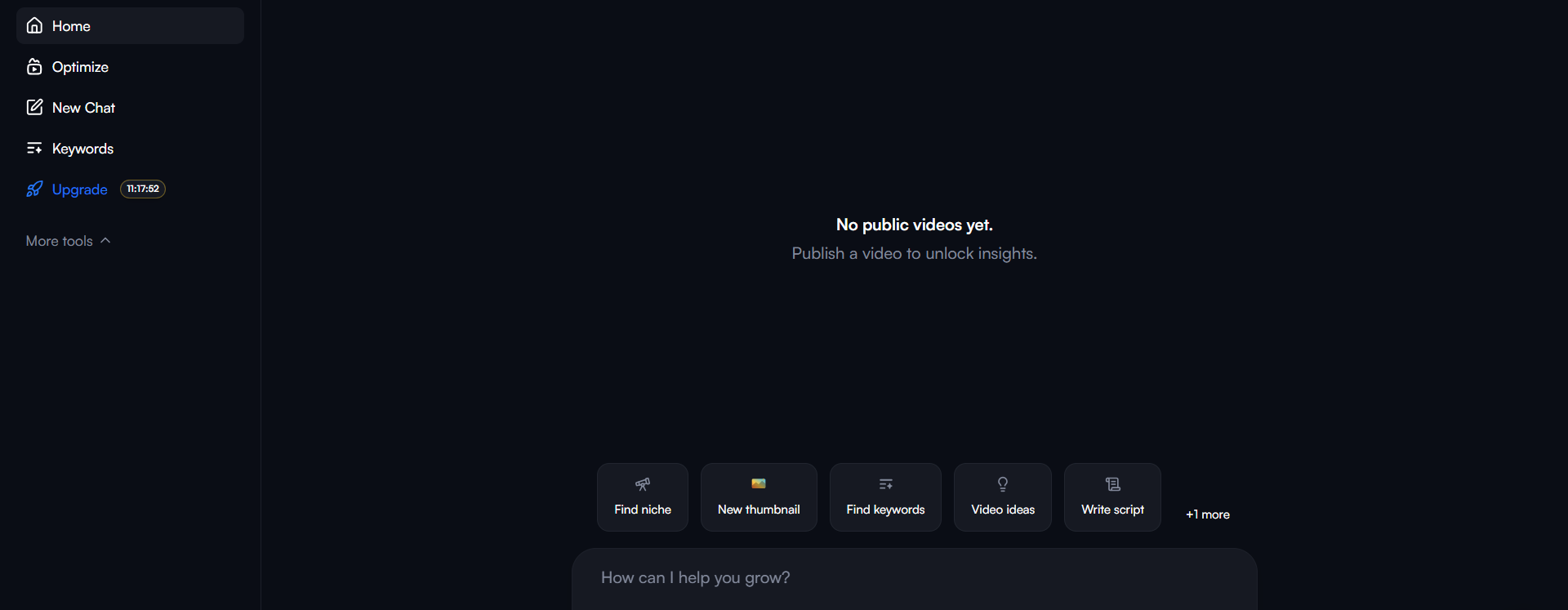
- Deep Thinking Mode: This isn’t just a chatbot. It analyzes your channel’s actual performance
data against competitors to give you strategic advice, not just generic tips. - Pre-Publish Content Analysis: You can upload a video before publishing, and the AI
will analyze your hook and pacing to predict retention.
The Honest User Feedback:
The Good: “The keyword research tool is a game changer. It helped me find topics I never would
have thought of. My videos consistently perform well in SEO thanks to their guidance.”
Browser Bloat: “Your platform is insanely bloated. VidIQ makes YouTube almost unusable. It’s so
poorly optimized you give me everything possible, yet as a result I use none of it.”
AI Features: “AI-generated thumbnails were downright ineffective—almost comically poor. The AI
thumbnail generator is really bad. Like really, really bad.”
Cancellation Issues: “Cancel button impossible to find. Even on the plans page, there is no
option to cancel it. Canceled my plan after 4 days within free trial. Got charged for entire month.”
Paid Features: “I invested in boost feature thinking it must be effective since it’s pricey.
Complete waste of money. I didn’t notice any improvements in reach, watch time, or click-through rates.”
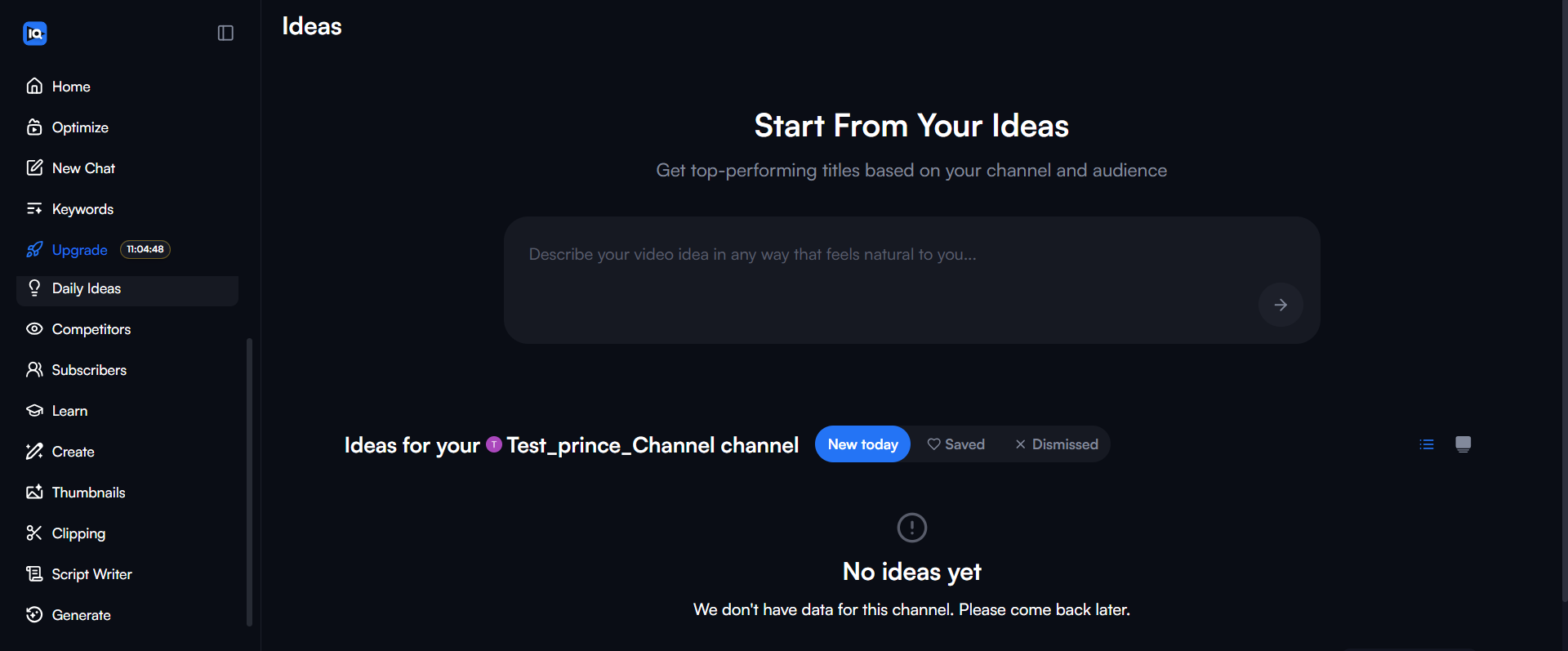
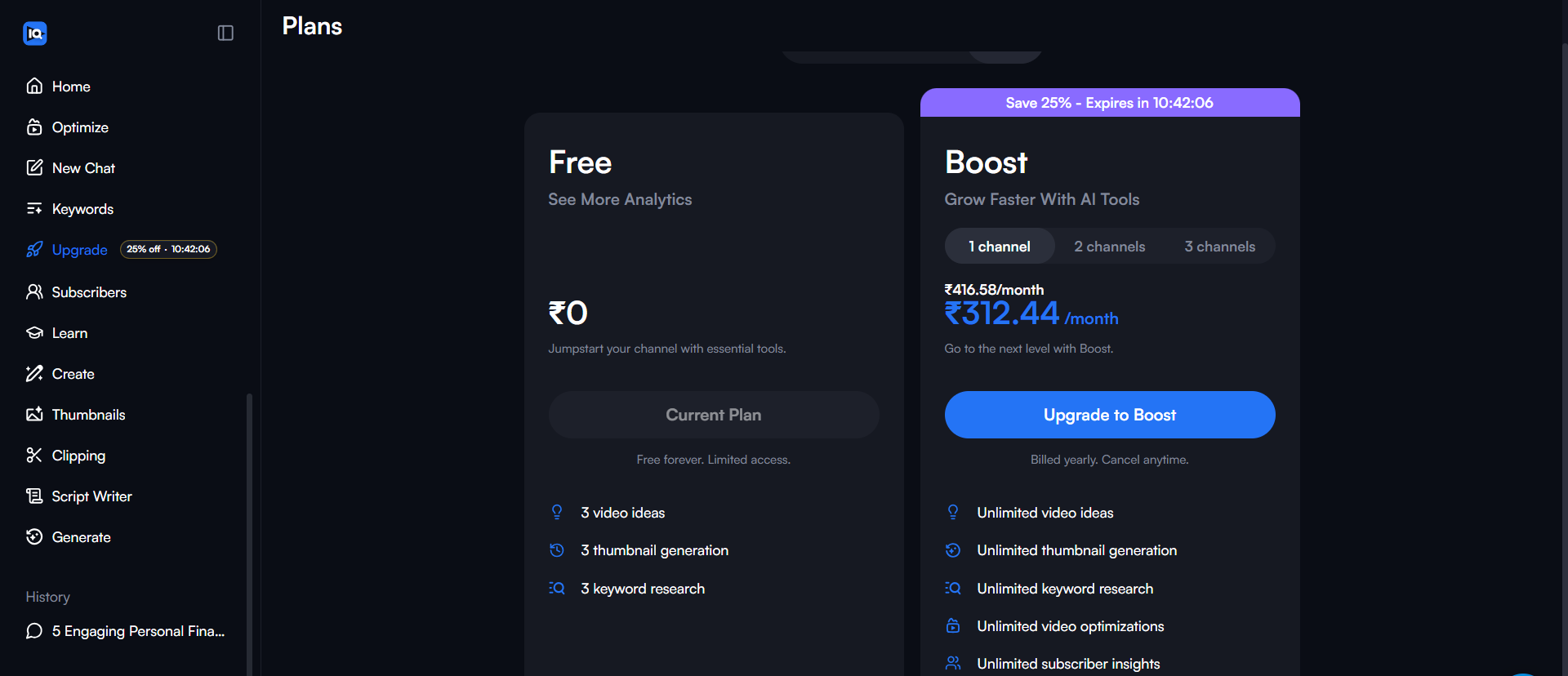
Pricing Reality: The Pro plan ($10/mo) is the sweet spot for most creators. The Boost plan ($39/mo)
is expensive unless you are already generating revenue.
2. Best for Workflow & Optimization: TubeBuddy
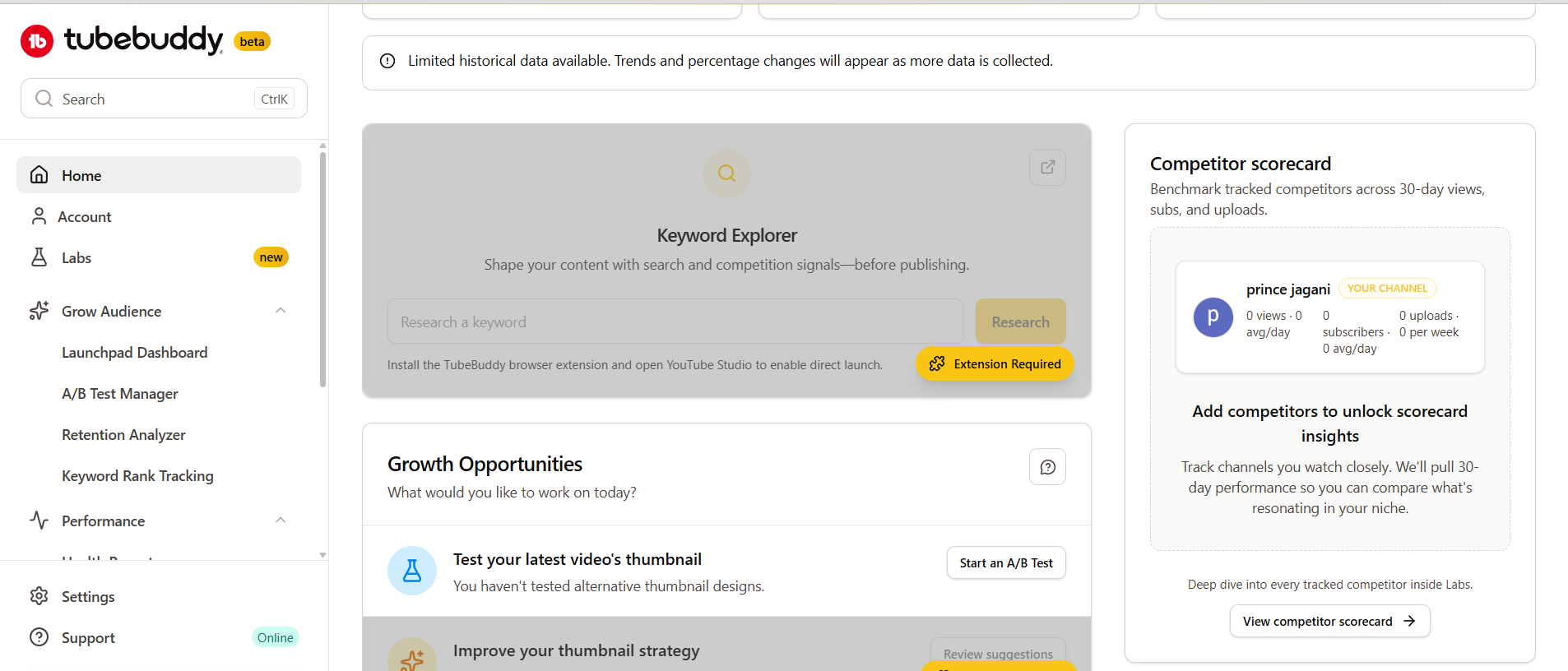
If VidIQ is about growth strategy, TubeBuddy is about productivity. It excels at
the boring tasks that take up too much time, like updating cards or testing thumbnails.
The Good:
- A/B Testing: This is TubeBuddy’s killer feature (Legend plan). You can test two thumbnails
against each other to see which one gets a higher Click-Through Rate (CTR). This directly impacts views. - Bulk Processing: Need to update a link in the description of 50 videos? TubeBuddy does it in
minutes. - Launch Pad: A checklist to ensure you never forget a step during upload.
“A/B testing has genuinely improved my click-through rates. Thumbnail testing alone increased my views by
30%.”
“Saves me hours every week. Updating descriptions and tags across hundreds of videos is incredibly
valuable.”
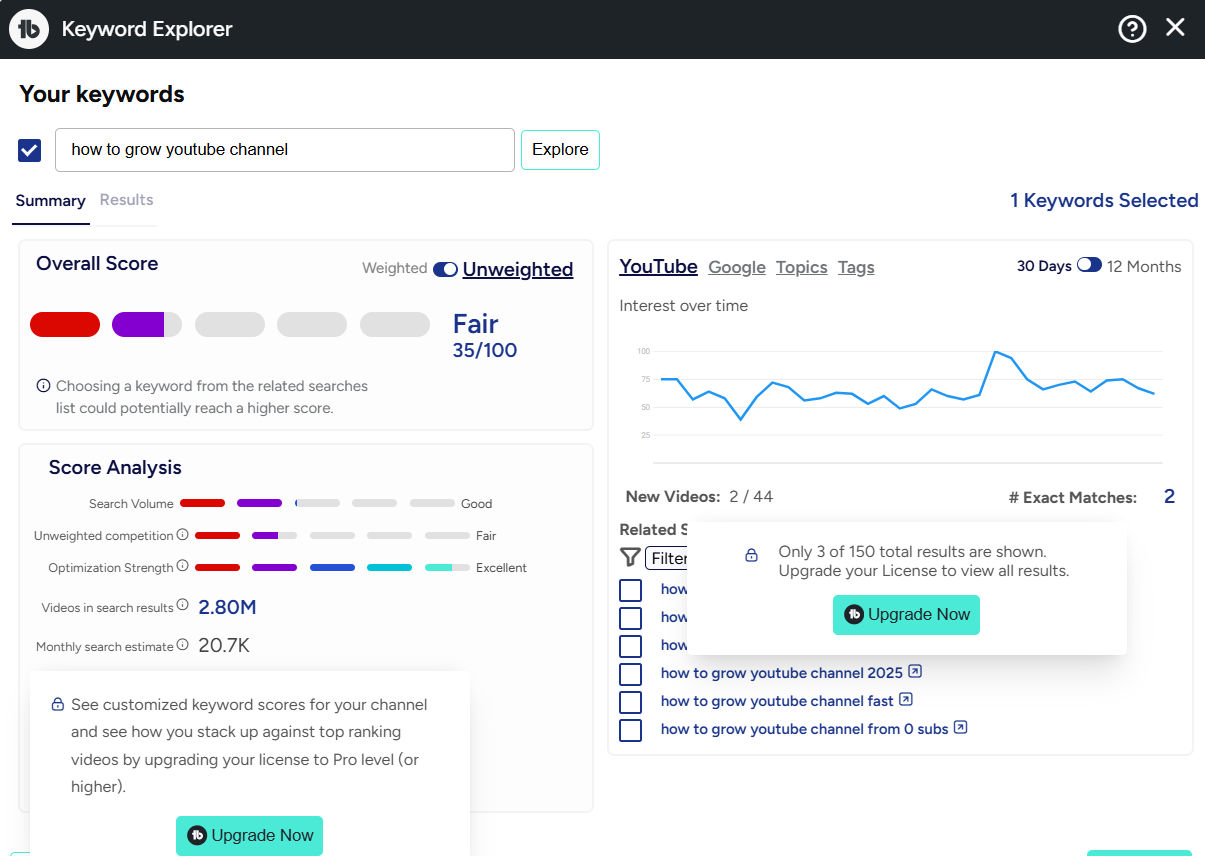
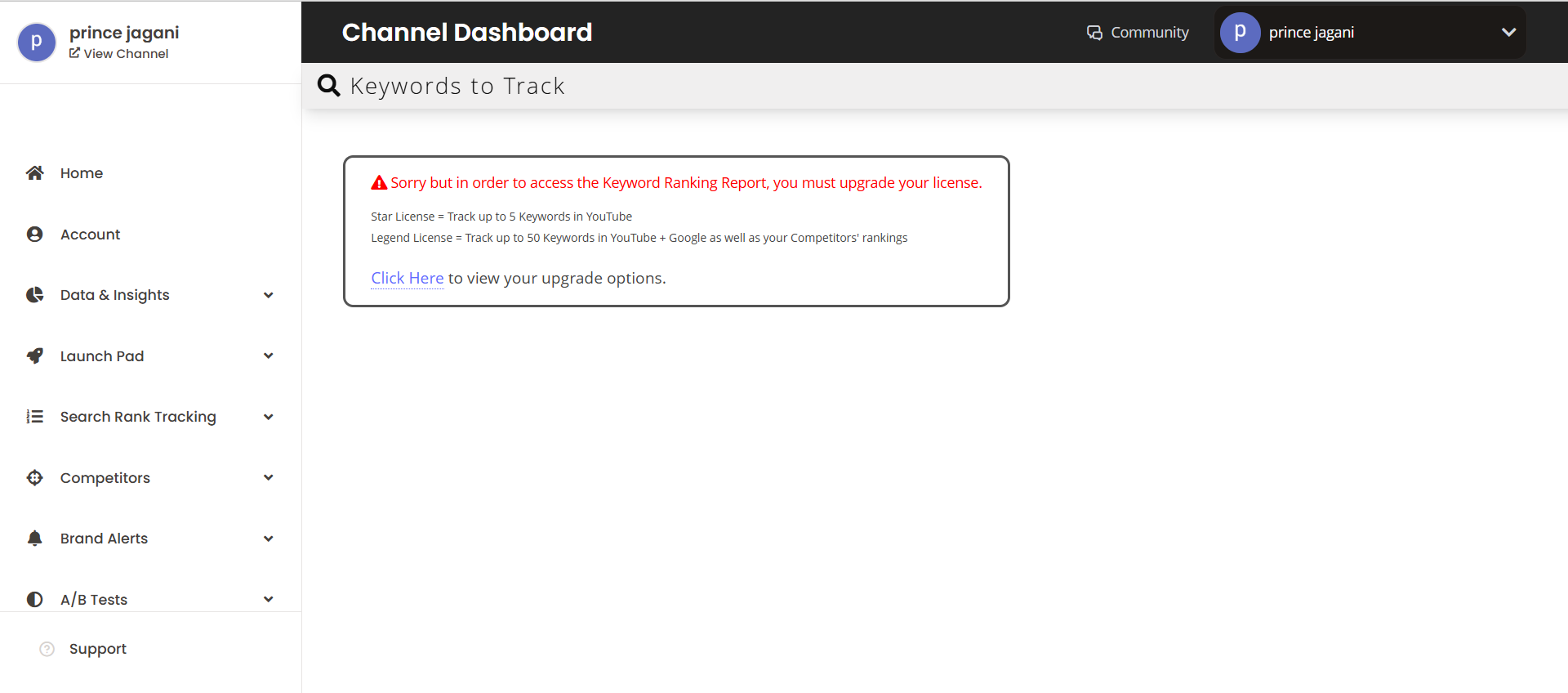
TubeBuddy also excels at tracking your rankings over time. You can see exactly where your videos rank for specific
tags, helping you identify which keywords are driving traffic.
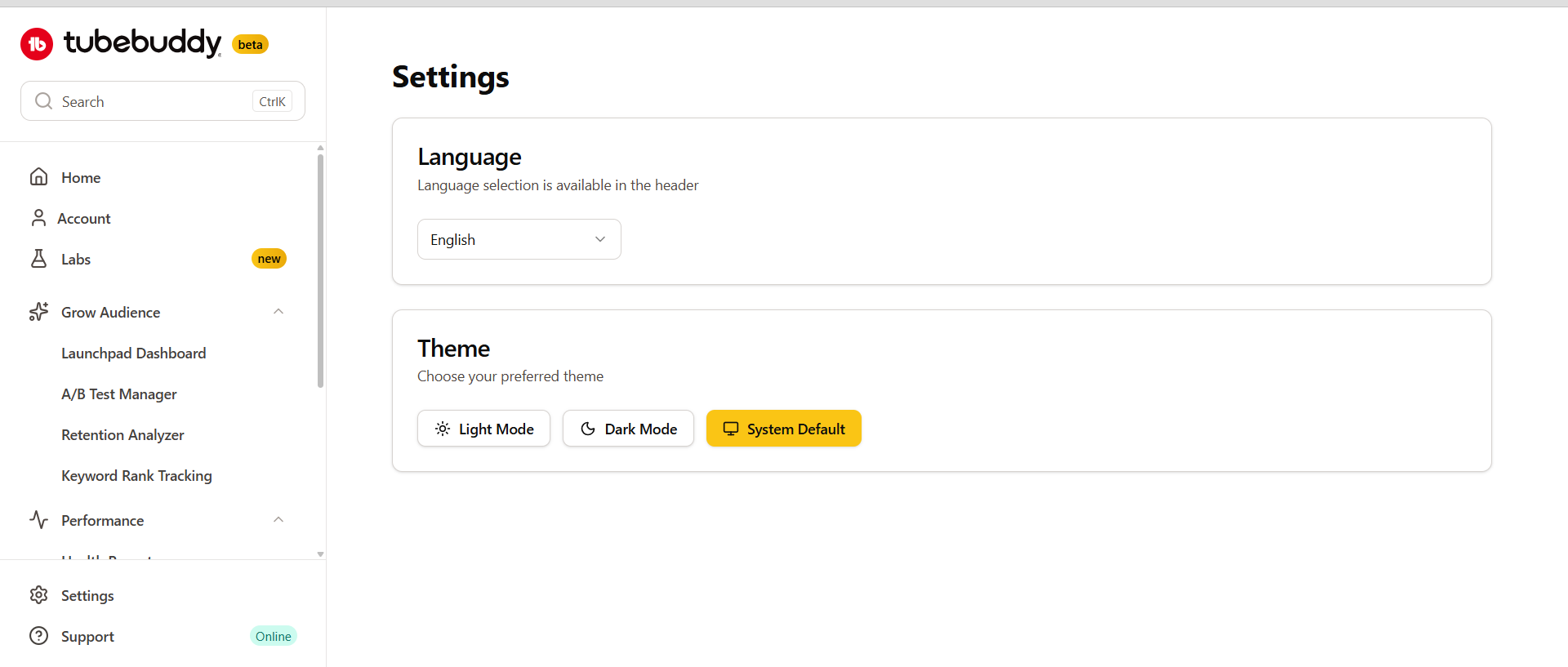
Another overlooked feature is the profile settings and channel health report, which gives you a quick overview of
your channel’s performance and optimization status.
The Hidden Gems:
- Related Video Manager: This is a massive time-saver for the “Flood Strategy.” You can
bulk-update the “Related Video” link on all your Shorts to drive traffic to a specific long-form video. - Tag Spying: The browser extension reveals the exact tags viral videos are using, letting you
“draft” off their success by targeting similar search terms.
The Honest User Feedback:
The Good: “A/B testing has genuinely improved my click-through rates. Thumbnail testing alone
increased my views by 30%. It saves me hours every week on bulk updates.”
Impossible to Cancel: “They take money without explanation. No way of cancelling. No renewal
notice, no invoice—just take money. Stay away.”
Broken Features: “Main draw—templates for end screens and info cards—is nonfunctional. Appears
it won’t be back. They haven’t compensated users or done anything.”
Lost Value: “Since YouTube incorporated A/B testing functionality directly, TubeBuddy lost its
value. Only remaining benefit is bulk editing, but doesn’t justify cost.”
3. Best for Quick Stats & Competitor Checks: Social Blade
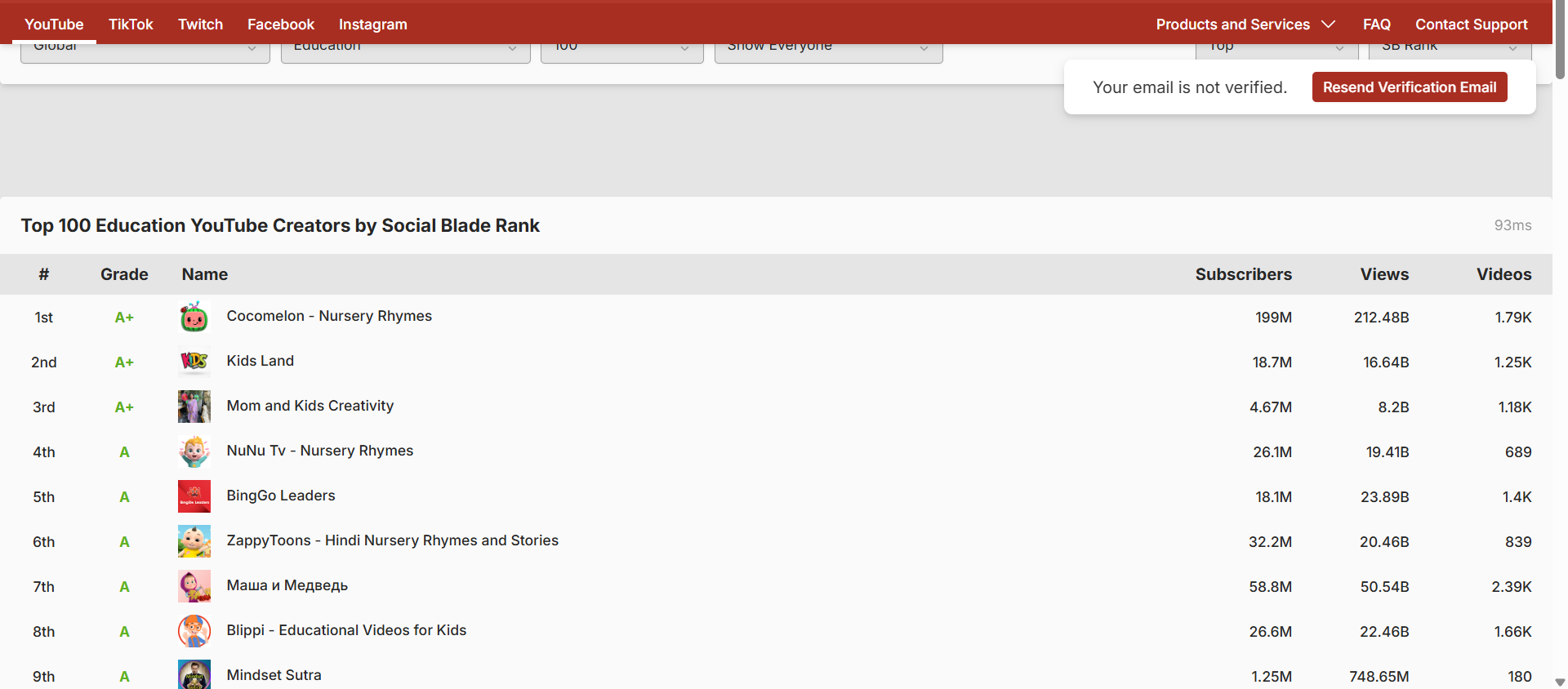
Social Blade is the industry standard for quick, public stats. It’s great for checking if a channel
is growing or dying, but it has a major flaw you need to know about.
The Good:
- Transparency: Instantly see subscriber growth trends for any channel.
- Future Projections: Fun (though not always accurate) predictions of when you’ll hit milestones.
- Free: The core features are free and accessible to everyone.
The Hidden Gem:
- Daily Growth Graphs: Don’t just look at the monthly summary. The daily graphs let you pinpoint
exactly which day a competitor blew up, allowing you to reverse-engineer the specific video that caused the
spike.
The Honest User Feedback:
The Good: “It’s the industry standard for a reason. Great for checking if a channel is growing
or dying, and the daily growth graphs help pinpoint viral videos.”
Revenue Estimates: “Social Blade estimates views * $0.50-$4.00/CPM. That’s the problem. Real
CPMs range from $1-$50+ depending on niche. Estimations should be taken with a grain of salt.”
Predictions: “Social Blade predictions are laughably bad. I only use it to see what views other
creators get month to month.”
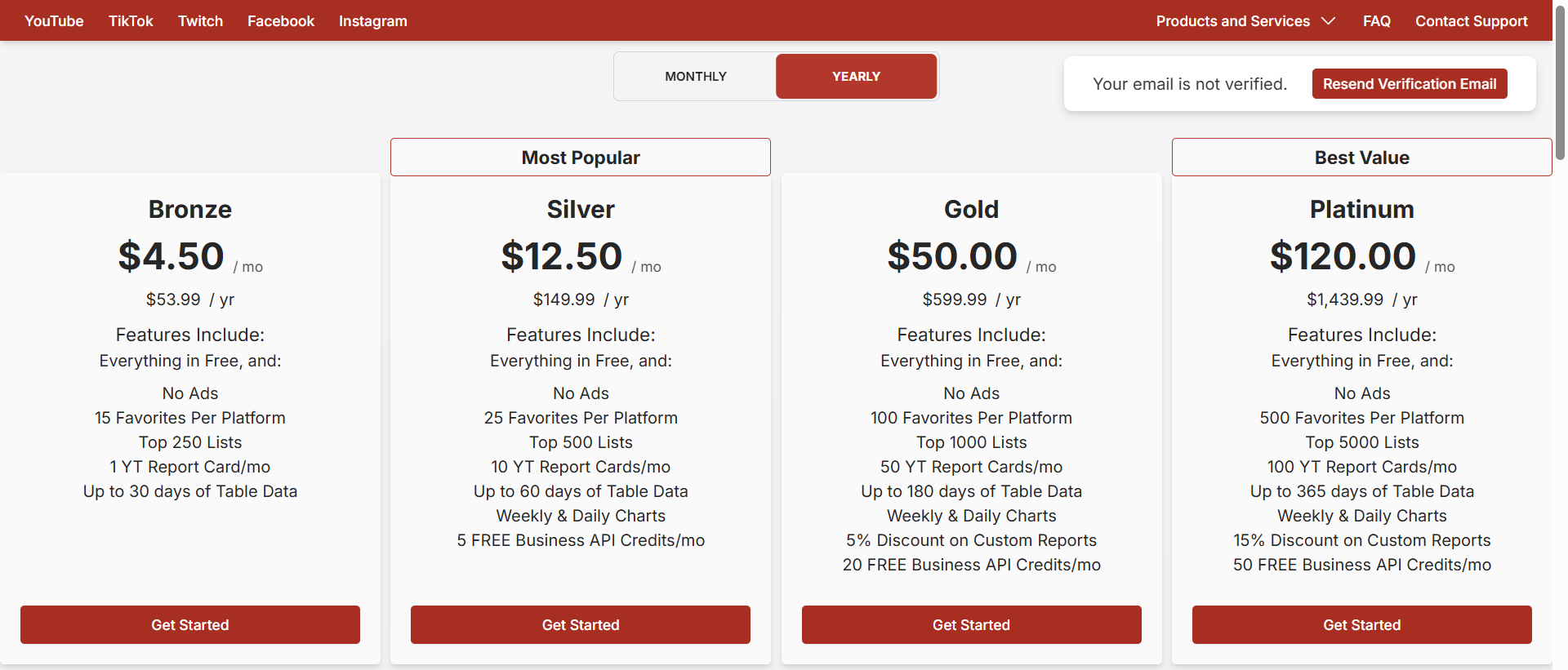
4. Best for Brands & Agencies: Tubular Labs
Tubular Labs is an enterprise-grade tool. If you are a solo creator, this is likely overkill (and
over budget). But for agencies managing millions in ad spend, it’s powerful.
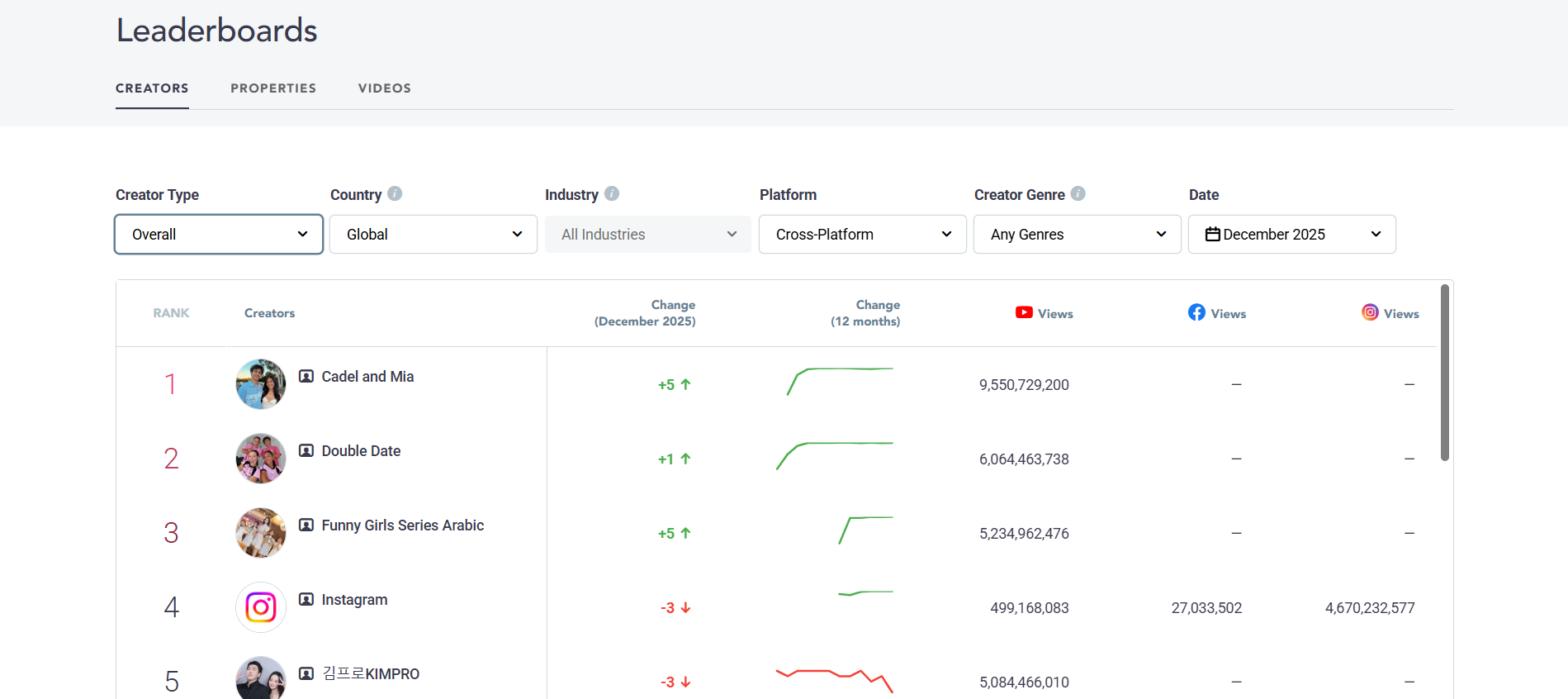
The Good:
- Cross-Platform Data: Tracks video performance across YouTube, Facebook, Instagram, and more.
- Trend Intelligence: Identifies massive cultural trends before they peak.
- Brand Partnerships: Helps brands find the right influencers based on audience overlap, not just
subscriber count.
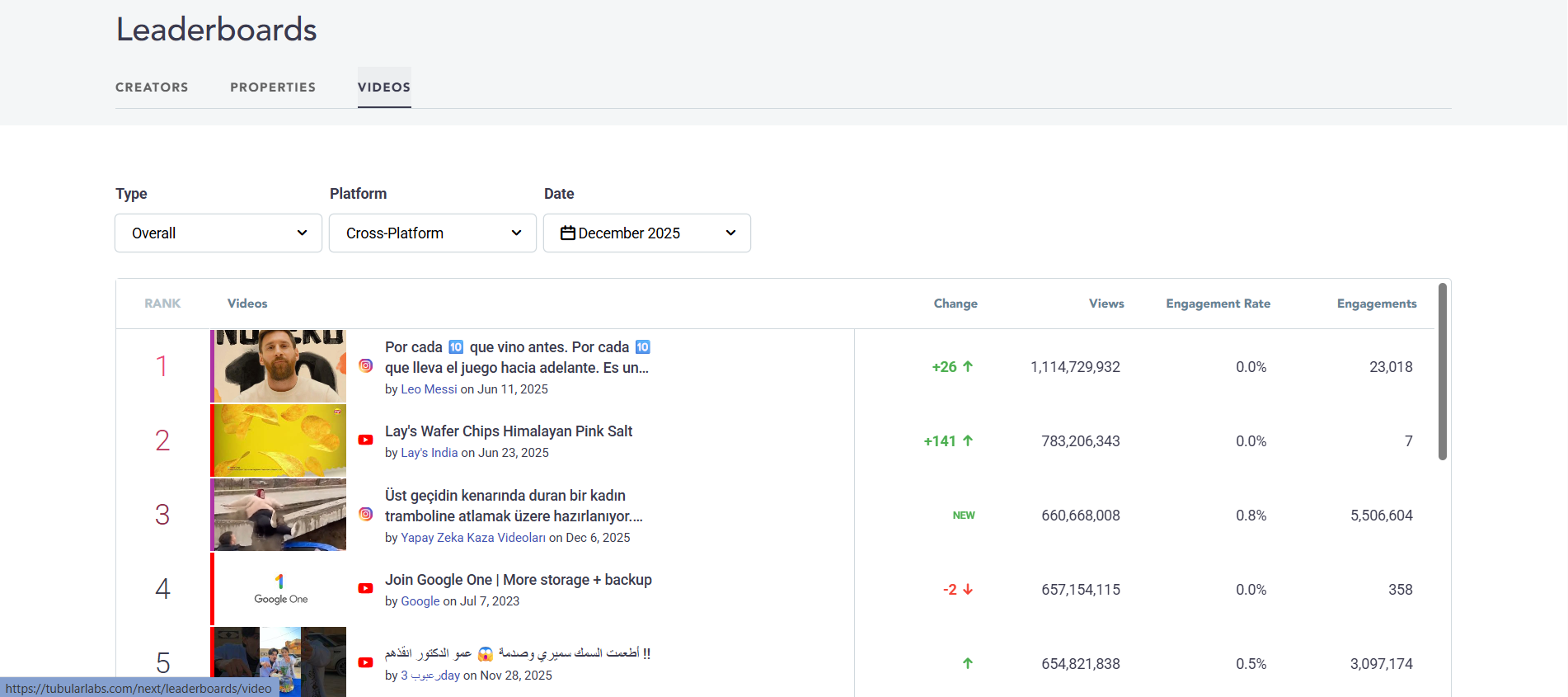
The “Properties” view allows you to manage and analyze data across multiple platforms and properties, giving you a
holistic view of your brand’s performance across the social web.
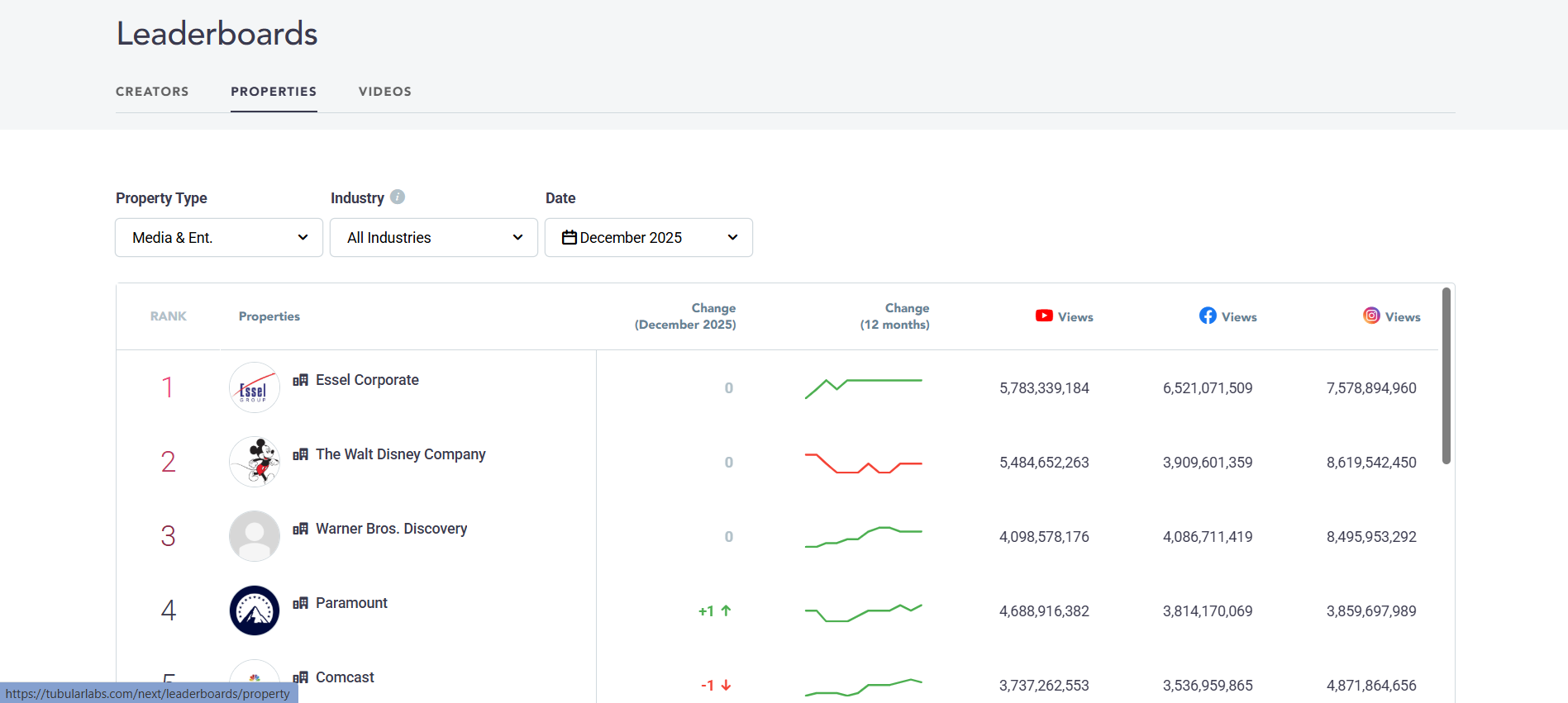
The Hidden Gem:
- Consumer Shopping Affinity: This is a superpower for pitching sponsors. It connects viewing
habits to actual purchase data (like Amazon sales), proving your audience is statistically more likely to buy
specific products than the average viewer.
The Honest User Feedback:
The Good: “For agencies managing millions in ad spend, the cross-platform data and trend
intelligence are powerful. It identifies massive cultural trends before they peak.”
Pricing Opacity: You won’t find a price on their website. It requires a sales demo and custom
contract, usually starting at hundreds of dollars per month.
Not for Creators: The interface and data are built for brand managers, not content creators
trying to get their next 1,000 subs.
Free vs Paid YouTube Analytics: The Truth Table
Do you actually need to pay? Here is the breakdown:
| Feature | Free Tools (YouTube Studio) | Paid Tools (VidIQ/TubeBuddy) |
|---|---|---|
| Your Channel Data | Real-time, Accurate | Duplicate data |
| Keyword Research | Limited | Search Volume & Competition |
| Competitor Tracking | None | Detailed Insights |
| A/B Testing | None | Titles & Thumbnails |
| Bulk Updates | Manual only | Automated |
Safety, Policy & Long-Term Risks
A common fear among creators is: “Will using these tools get my channel banned?”
The Answer: No. Both VidIQ and TubeBuddy are YouTube Certified. They use the official YouTube API and comply with Terms of
Service. They do not automate fake views or subs.
However, there are minor risks:
- Privacy: These browser extensions require permission to read data on websites you visit. While
they are reputable companies, you are granting broad access. - Dependency: If you rely entirely on a tool’s “Keyword Score” to pick topics, you might stop
using your own intuition and creativity, which is dangerous long-term.
Verdict – Which Tool Should You Start With?
Here is my final recommendation based on where you are in your journey:
- Just Starting (0-500 Subs): Stick with YouTube Studio. It’s free and forces
you to learn the fundamentals. - Growth Mode (500-5K Subs): Get VidIQ Pro
($10/mo). The keyword research tool alone is worth the price to validate your video ideas. - Optimization Mode (5K+ Subs): If you have a library of videos, TubeBuddy is
fantastic for bulk updates and A/B testing thumbnails to squeeze out more views. - Curious Observer: Use Social Blade (Free) to keep an eye on competitors, but
ignore the money stats.
Frequently Asked Questions
Are YouTube analytics tools safe?
Yes. VidIQ and TubeBuddy are YouTube Certified and use the official API. They are safe to use and won’t get your
channel banned.
Can analytics tools guarantee growth?
No. They provide data, not magic. A tool can tell you a keyword is good, but you still have to make a great video.
Execution is up to you.
Is VidIQ better than TubeBuddy?
For growth and SEO, VidIQ is generally better. For channel management and
productivity, TubeBuddy wins. Many pros use both. Check our detailed VidIQ vs TubeBuddy comparison.
What if I can’t afford paid tools?
Don’t worry. YouTube Studio provides 90% of the data you need. Focus on your Content, Audio, and Thumbnails. Those matter
more than any software subscription.