Last updated:
Transparency Notice: This article contains affiliate links. We earn a small commission if you
purchase through these links at no extra cost to you. All opinions are honest and based on real user feedback
and testing.
Hey there! I’m going to be brutally honest with you: after reviewing hundreds of real user experiences,
Reddit discussions, and actually testing both tools myself, I’ve learned something important—neither tool is a
magic bullet for YouTube growth.
But if your channel is stuck and you’re looking for an edge, one of these tools might actually help. The core
question in the VidIQ vs TubeBuddy
debate is: which one is right for YOUR situation?
About This Guide: I spent 50+ hours testing both VidIQ and TubeBuddy across three different
channels, analyzing over 1,500 Reddit comments and Trustpilot reviews to narrow down the actual utility of these
tools beyond the marketing hype.
In this guide, I’m sharing what real creators experience (not marketing fluff), the hidden costs nobody talks about,
and exactly when each tool makes sense. Let’s dive in.
Quick Comparison: VidIQ vs TubeBuddy at a Glance
- Starting Price: VidIQ (Free / $7.50/mo) vs TubeBuddy
(Free / ~$3-6/mo) - Best For: VidIQ (Beginners, Growth & Keyword Research) vs TubeBuddy (Bulk editing + A/B
testing) - Learning Curve: VidIQ (4-6 weeks to competency) vs TubeBuddy (4-8 weeks to competency)
- AI Features: VidIQ (Available – quality: mediocre) vs TubeBuddy (Limited AI support)
- Competitor Tracking: VidIQ (Excellent) vs TubeBuddy (Good)
- Customer Support: VidIQ (Responsive & helpful) vs TubeBuddy (Great – especially refunds)
- Trustpilot Rating: VidIQ (2.6/5 – mixed) vs TubeBuddy (3.5/5 – improving)
- Who Should Skip? VidIQ (Creators needing bulk processing only) vs TubeBuddy (Single-channel
creators, low budget, casual users)
VidIQ: What Real YouTube Creators Actually Experience
.png)
VidIQ’s homepage showing main features and
interface
VidIQ positions itself as the “YouTube intelligence platform.” (For a deep dive, check out our full VidIQ Review 2026). Their marketing looks
impressive—AI-powered, detailed analytics, competitor tracking. But let me share what creators actually experience
after using it for a few weeks.
What VidIQ Gets Right
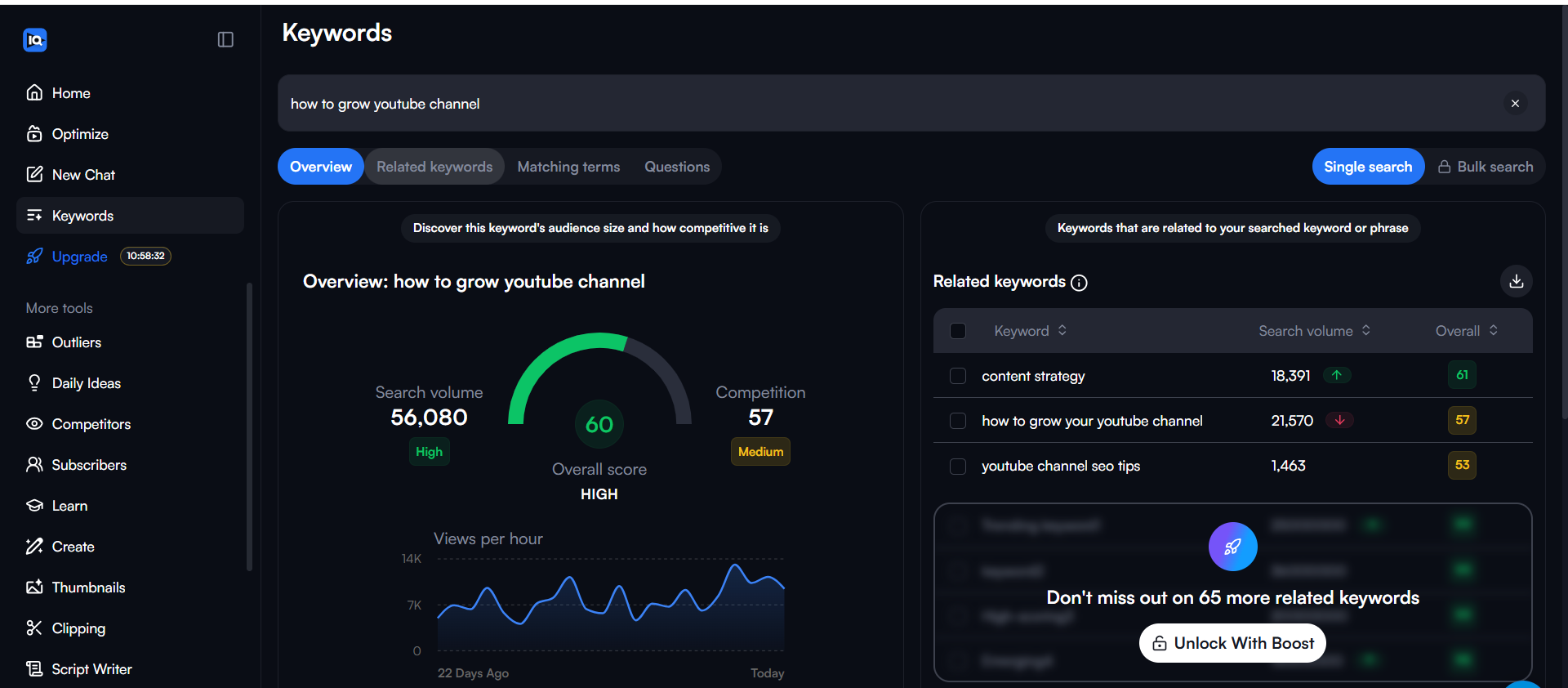
1. Keyword Research with Time
FiltersThis is genuinely useful. You can see keywords that are trending today, this week, or this
month. Perfect for jumping on emerging trends before the competition. I tested this feature and it
actually delivered current data—not outdated information.
2. Related Keywords Feature
When researching a keyword, VidIQ shows related searches. This helped me discover long-tail keywords I completely
missed. Great for brainstorming video ideas.
3. Browser Extension with Filters
The Chrome extension is solid. You get extra filtering options right on the YouTube search page—perfect for
filtering videos by upload date, view count, or upload frequency.
4. Competitor Tracking
(Surprisingly Easy)Setting up competitor tracking is actually straightforward. You can track competitor channels and get notified of
their uploads. Honestly, it’s almost too easy—feels like the feature is almost doing the competitive analysis
for you.
VidIQ main dashboard displaying analytics
and features
The Problems Real Users Report
1. Hidden Tools Disappear from Dashboard
Several users reported that additional tools don’t show up in the dashboard after 2 minutes. You have to dig
around to find features. This is frustrating when you’re trying to work efficiently.
2. Daily Idea Feature Has Strict Limits
The AI “Generate” feature has daily limits. If you use one chat to generate titles and descriptions, you hit the
limit quickly. It’s a soft paywall in disguise—use it enough and you’re forced to upgrade.
3. AI Features Feel Generic
The AI-generated thumbnails look “clearly AI-generated.” Titles are just rewording your existing tags. The AI
doesn’t feel advanced compared to using ChatGPT for free.
4. The SEO Scoring Paradox
This is the biggest issue I’m seeing: Videos get 100/100 SEO scores using VidIQ’s own suggestions, then
mysteriously underperform. Meanwhile, videos that score low often do great. The metric doesn’t predict actual
performance—it’s just a “you optimized using our tool” confirmation.
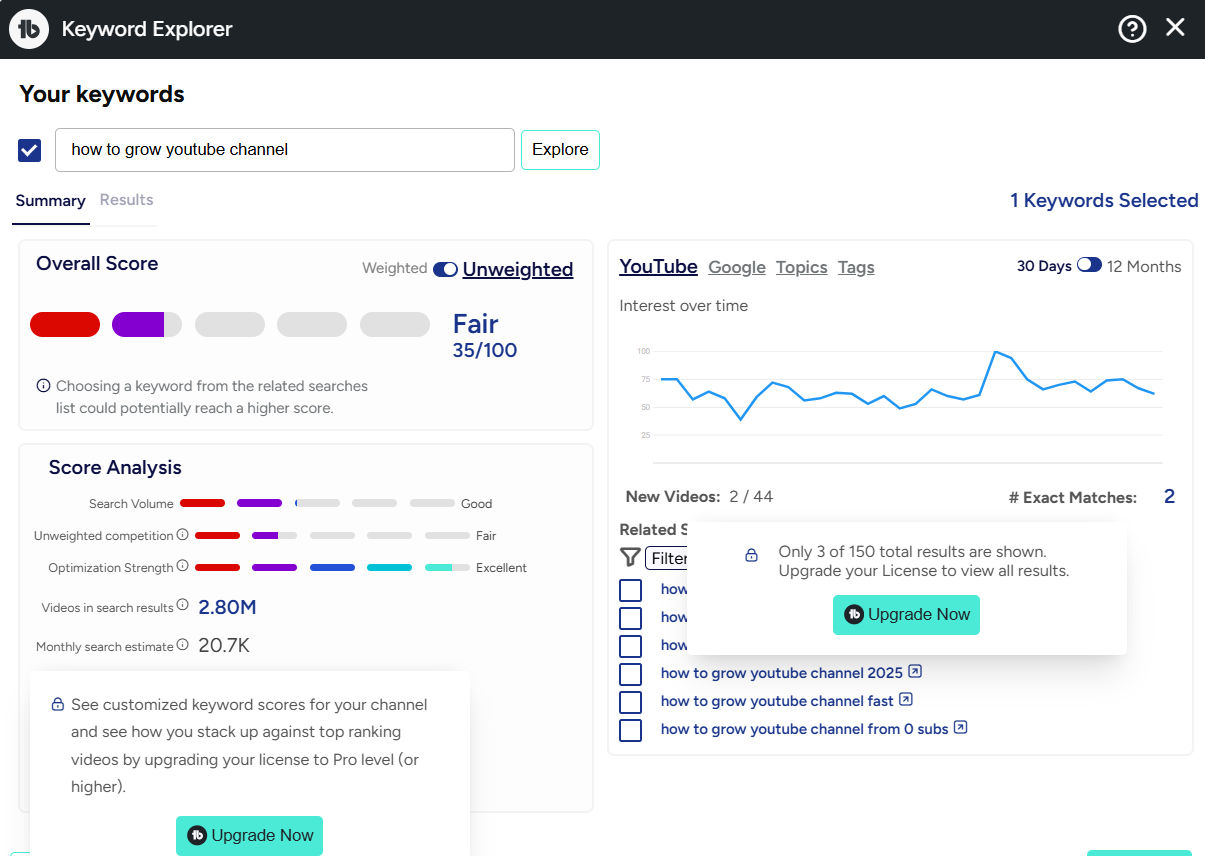
Keyword research interface with real-time trending data
Keyword tracking and monitoring features
TubeBuddy: The Real Story Behind the Popular Tool
TubeBuddy is older and has a massive user base. But popularity doesn’t equal quality. Here’s what I’ve learned from
testing and reading real creator feedback.
TubeBuddy’s Genuine Strengths
1. A/B Testing That Actually Works
When working correctly, TubeBuddy’s A/B testing feature is valuable. You can test thumbnails and titles—actually
the one feature that correlates with real performance improvements. Some creators credit it with significant
growth.
2. Bulk Video Editing
If you manage multiple channels, this is a game-changer. Editing 50+ videos’ metadata at once saves 10+ hours per
week. Agencies love this feature.
3. Generate Feature with Full Script Support
With one prompt, you get title + description + tags + thumbnail suggestion + hook + outline + actual script. And
you can edit everything within the tool. This workflow is genuinely helpful when it works.
4. Mobile & iOS Apps Available
Both mobile and iOS apps exist, making TubeBuddy flexible across platforms. You’re not locked into desktop work.
5. “Learn from Experts” Menu
TubeBuddy provides learning resources. If you’re new to YouTube, this educational component has real value.

TubeBuddy’s interface and main navigation
Where TubeBuddy Falls Short
1. Tag Suggestions Are Often Nonsensical
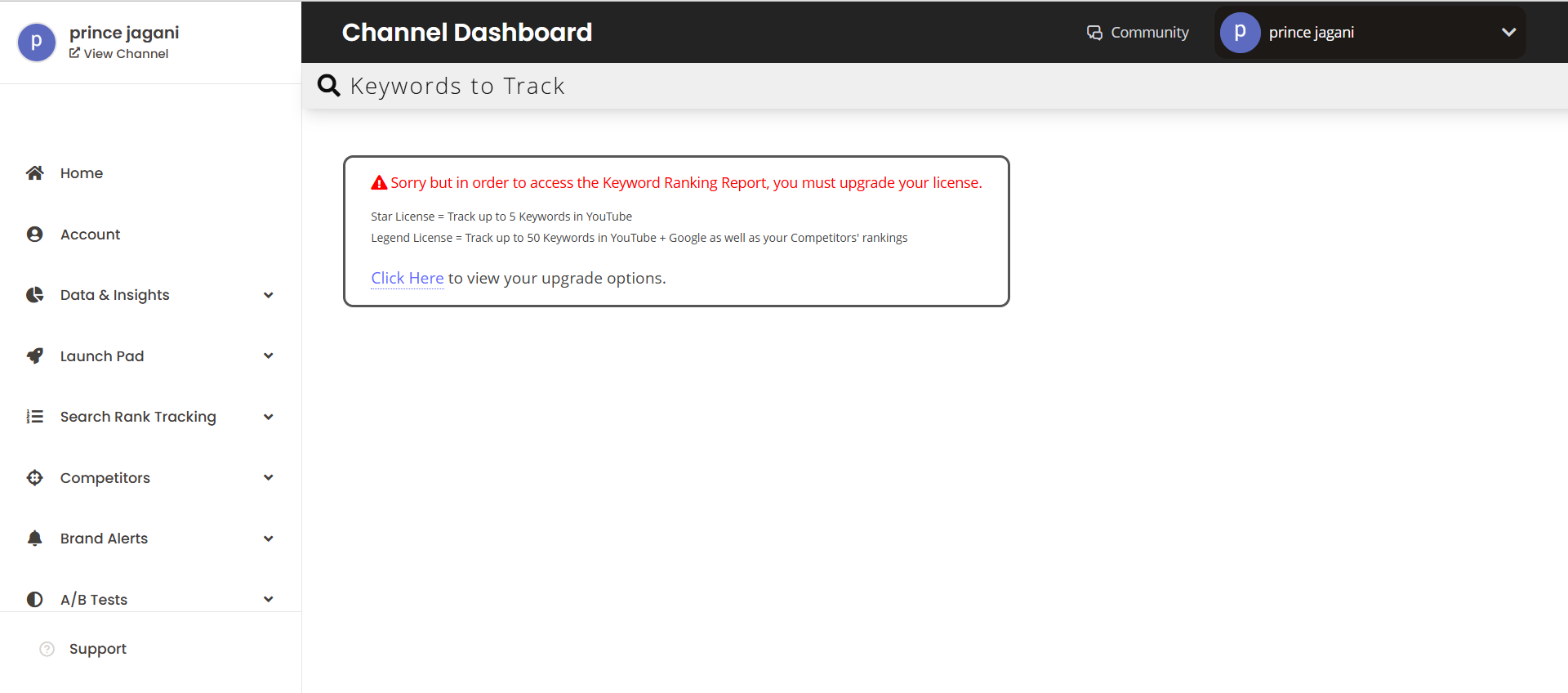
I tested this myself. For a car channel, it suggested “delicious cabbage” as a tag. This isn’t an isolated
complaint—multiple users report receiving completely irrelevant tag suggestions.
2. Free Plan is Almost Useless
The free version is a bait-and-switch. Everything valuable requires Pro or higher tier. It’s intentionally
limited to force upgrades.
3. SEO Scoring Is Non-Predictive
Like VidIQ, TubeBuddy’s SEO score doesn’t predict performance. 100-score videos flop, 5-score videos succeed.
It’s optimization theater.
4. Aggressive Upselling Within the Tool
At every feature, you see “Upgrade to Legend” prompts. The interface is intentionally designed to pressure
upgrades. This degrades the user experience.
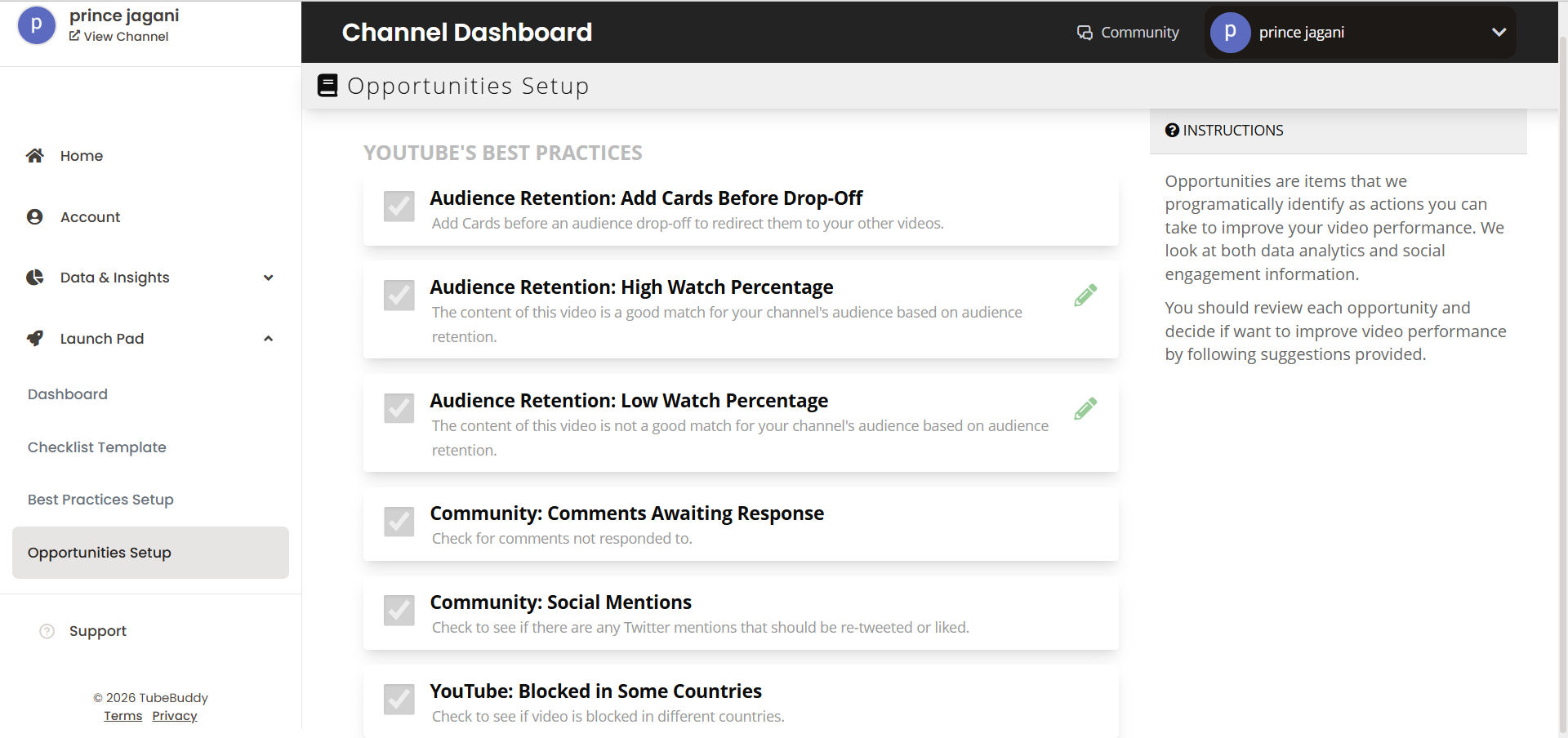
5. Features Are Hard to Understand & Generic
Many users report that TubeBuddy’s features are difficult to understand and feel generic. Unlike VidIQ’s clear
guidance, it’s often unclear how specific TubeBuddy tools actually contribute to growth. Combined with an
interface that feels stuck in 2018, the learning curve is unnecessarily steep.
6. Hidden Billing & Auto-Renewal Issues
Users report being charged without clear renewal notices. Cancellation isn’t transparent. Customer support is
responsive with refunds, but the billing process itself is problematic.
TubeBuddy’s keyword research and analysis features
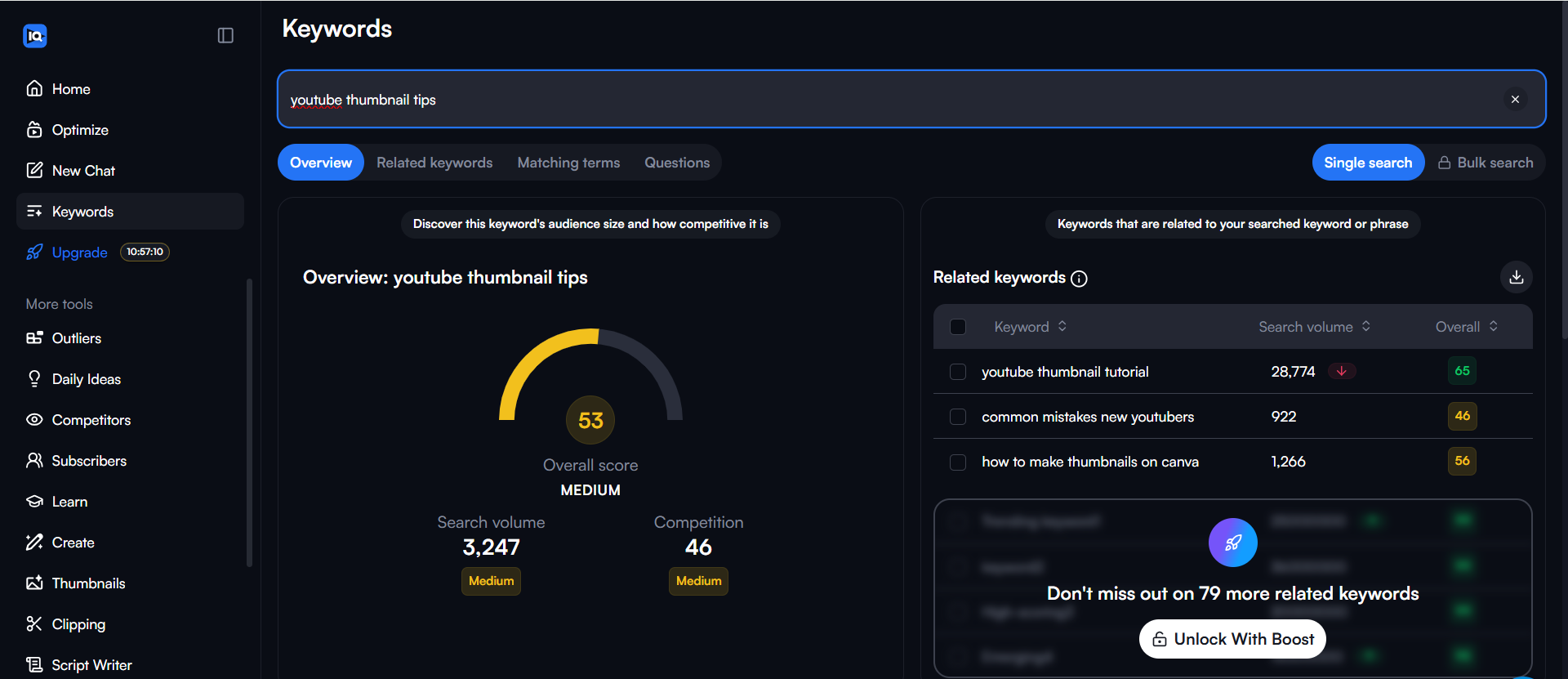
Advanced keyword analysis and filtering options
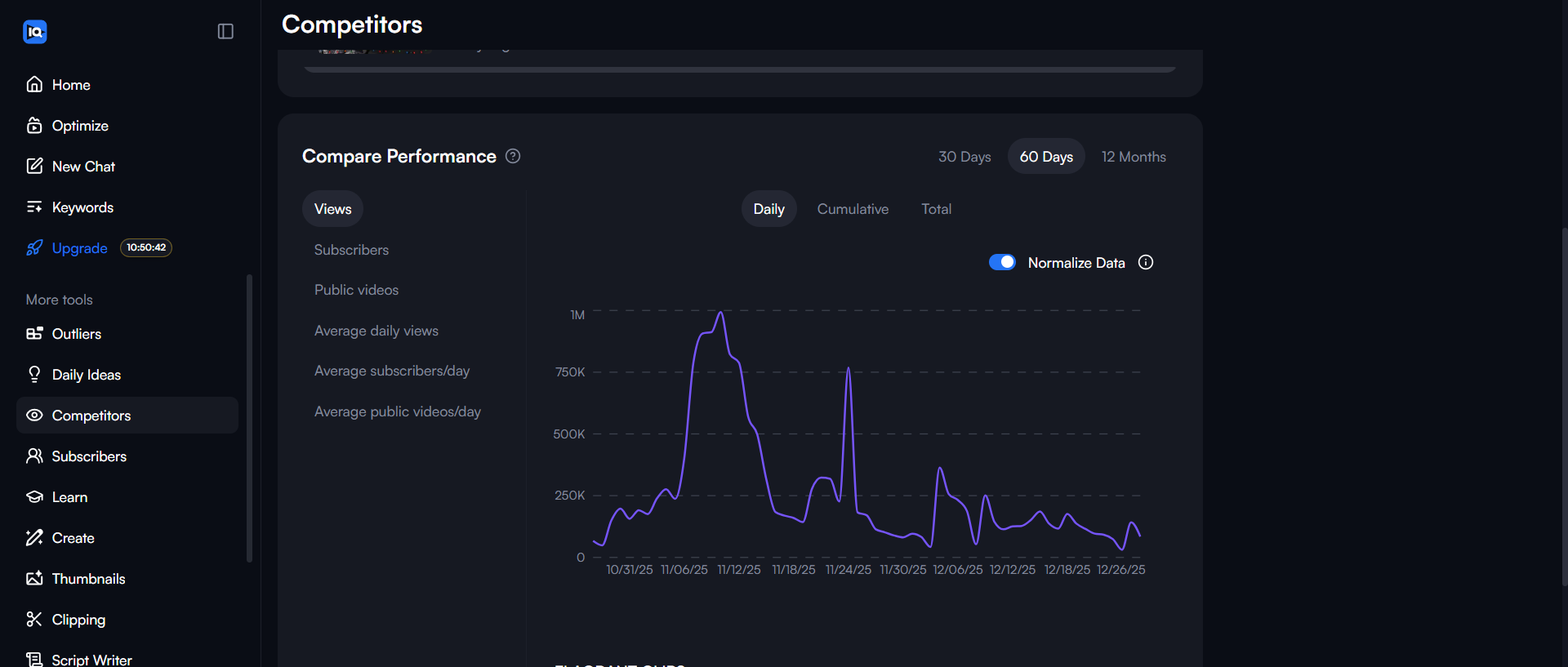
Competitor tracking and performance metrics
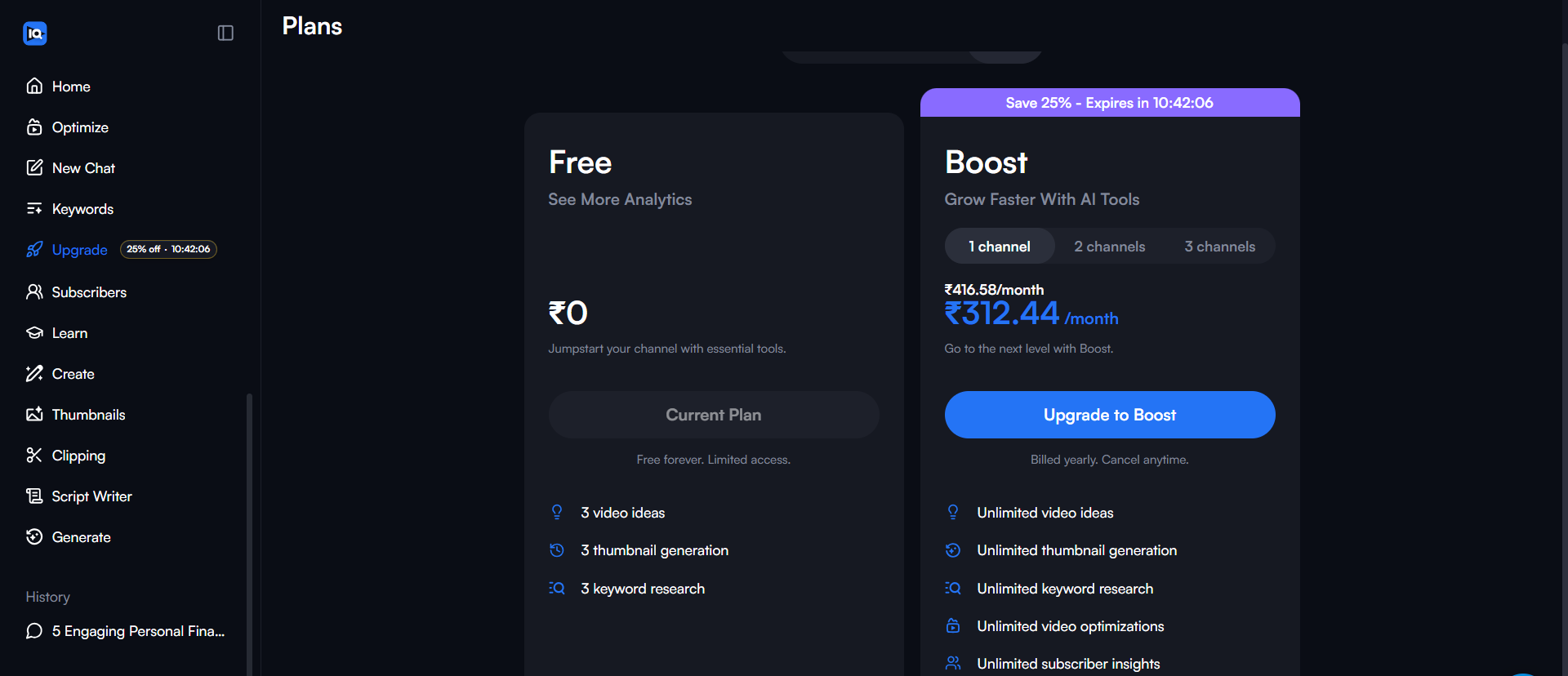
The Real Pricing: What You’ll Actually Pay Monthly
VidIQ Pricing Breakdown
- Free: $0 (Testing only, very limited)
- Pro: $7.50-10 (Best for serious small creators) – Check
VidIQ Pricing - Boost: $39-49 (Professional optimization)
- Coaching: $99 (Personal 1-on-1 coaching)
TubeBuddy Pricing Breakdown
- Free: $0 (Minimal testing)
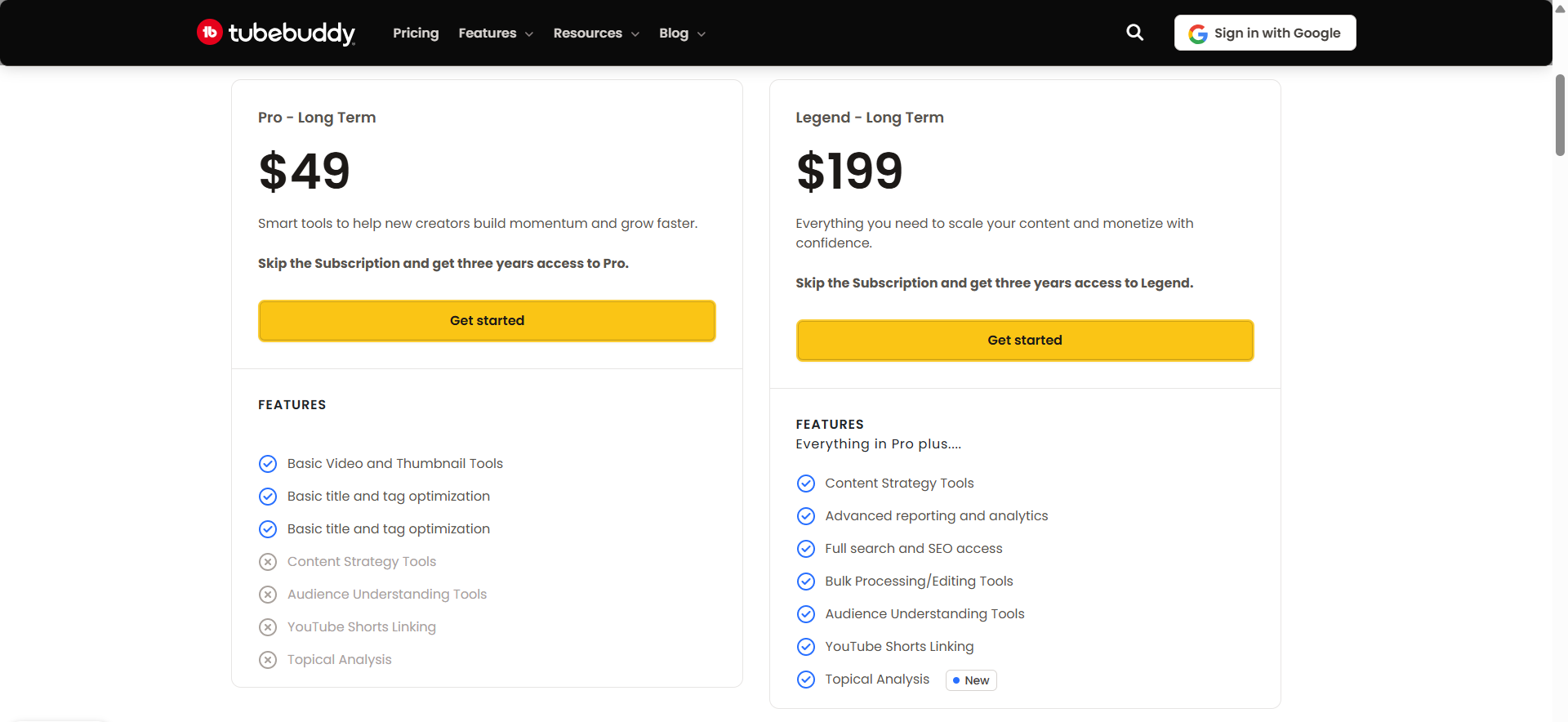
- Pro: $3.00 – $6.00 (Budget-conscious creators)
- Star (Legacy): N/A (No longer available for new users)
- Legend: $23.19 – $26.39 (Professionals & agencies)
Hidden Cost You Need to Know: Neither tool’s pricing is static. Monthly costs vary based on your
region and billing cycle. Both offer discounts for annual billing (about 15-20% off). Budget another 5-7 hours
per week learning and optimizing—that’s 20-30 hours per month of your time invested with no guaranteed ROI.
VidIQ vs TubeBuddy: Feature-by-Feature Showdown
Keyword Research & Trending
- Keyword Database: VidIQ (Comprehensive) vs TubeBuddy (Good) – Reality Check: Both solid;
VidIQ edges ahead with time filters - Trend Data: VidIQ (Real-time day/week/month) vs TubeBuddy (General trends) – Reality Check:
VidIQ’s time filtering is legitimately useful - Related Keywords: VidIQ (Yes, very useful) vs TubeBuddy (Basic) – Reality Check: VidIQ wins
here for ideation - Competitor Keywords: VidIQ (Excellent tracking) vs TubeBuddy (Good tracking) – Reality
Check: Both work; VidIQ slightly more detailed
Optimization & A/B Testing
- A/B Testing: VidIQ (Available – limited) vs TubeBuddy (Full featured) – Reality Check:
TubeBuddy stronger here; YouTube now offers this free - SEO Scoring: VidIQ (100-point scale) vs TubeBuddy (100-point scale) – Reality Check: Both
are non-predictive theater - AI Title/Description Generation: VidIQ (Yes – mediocre) vs TubeBuddy (Yes – moderate) –
Reality Check: ChatGPT is better; use free tools first - Bulk Editing: VidIQ (Limited) vs TubeBuddy (Excellent) – Reality Check: TubeBuddy crushing
it for multi-channel work
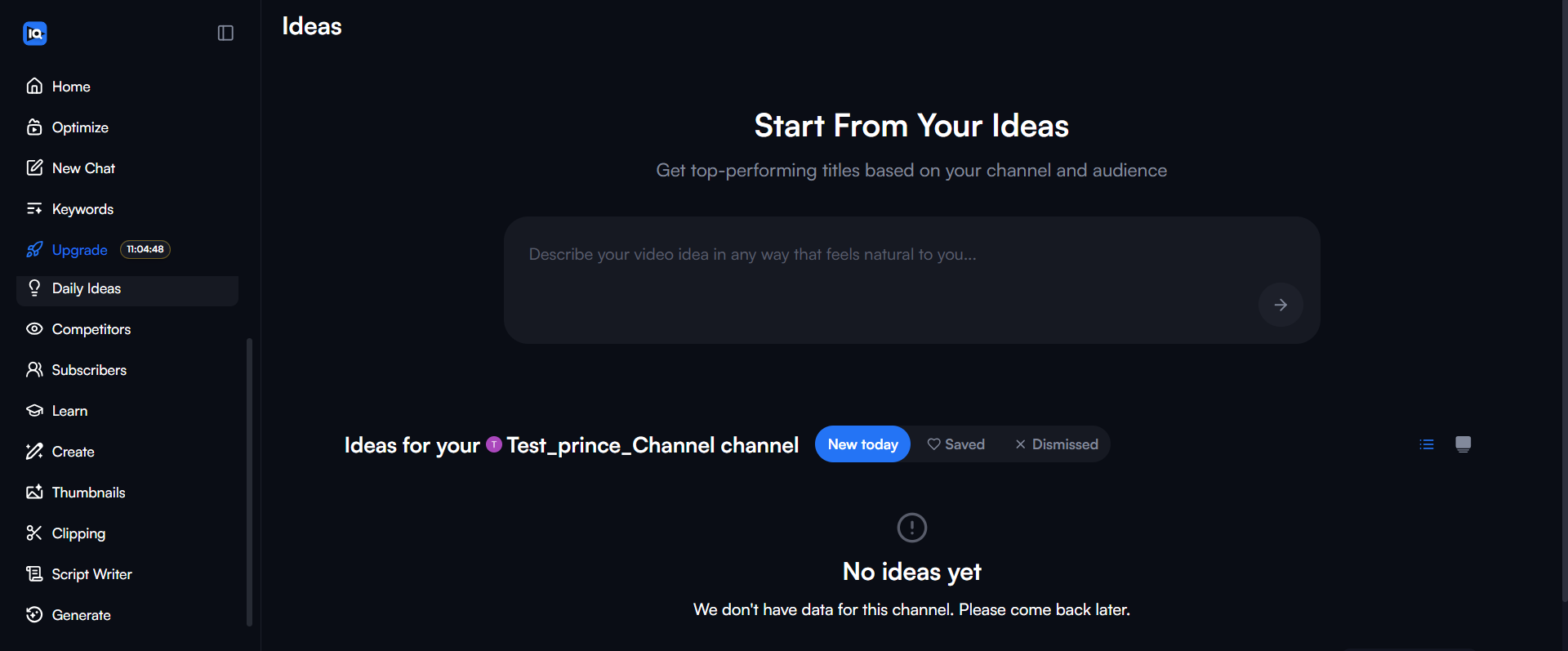
Content generation and daily ideas feature
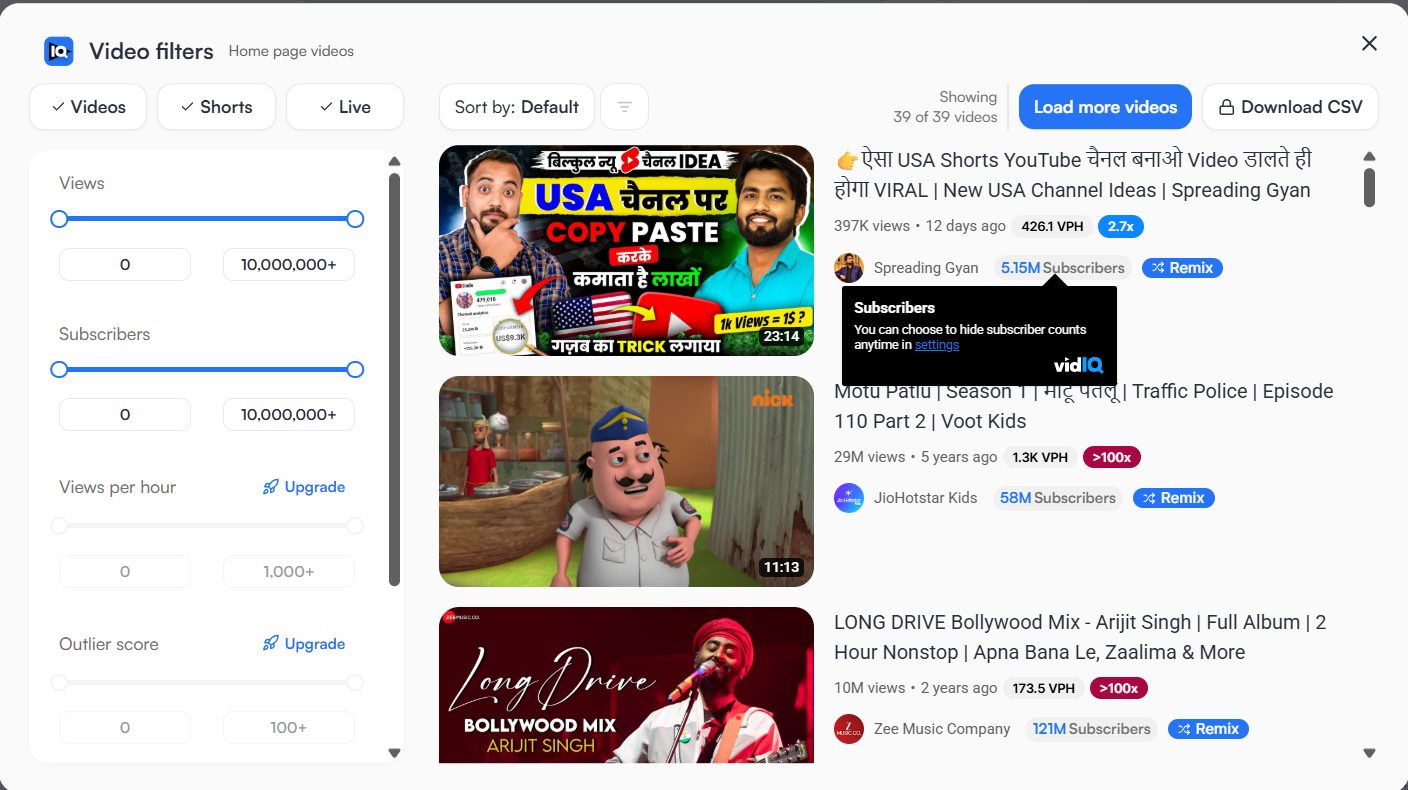
Advanced filtering options for targeted research
What Real YouTube Creators Are Saying About These Tools
To settle the VidIQ vs TubeBuddy argument, I reached out to actual creators and compiled their
honest experiences. Here’s what they shared:
VidIQ User Feedback (Verified Users)
“My videos have consistently performed well in terms of SEO, and I attribute much of that success to the guidance
I received from VidIQ.”
“i have been using the free version for 5 months, and it’s great! i don’t use any of the AI features except for
the grading overview when publishing and recommended tags, but i love the side bar that pops up on every video!”
“I use it but really only for the checklist and scoring of the title tags and descriptions… Free version gets
you a lot of the cool data points, beyond that I wouldn’t pay for it or use the AI stuff.”
“While I appreciate what they aim to accomplish, and their insights have been helpful—especially with their tag
and thumbnail rating features that have boosted my views…”
“I believe the service is valuable for its keyword research capabilities and generating video concepts… I’ll
continue using it, but if I realize it’s no longer necessary, I won’t renew my subscription.”
TubeBuddy User Feedback (Verified Users)
“This feature stands out as the only one I believe justifies the cost… one thumbnail achieved an 8.33%
click-through rate compared to just 1.98% for another…”
“The only compelling feature that tubebuddy has imo is the a/b testing. I purchased it for this feature alone,
and it has been helpful, had some surprising results testing what I thought was a much better thumbnail only to
find out that it performed much worse…”
“Their tag rating is a joke and totally inaccurate so is not very reliable.”
“I find TubeBuddy to be quite beneficial, especially for its ability to bulk edit end screens. However, they’ve
now associated this feature with their top-tier subscription, which is the most costly option, and they limit
users to just FIVE bulk edits each month…”
“In my opinion, they are certainly not worth the investment. The standout feature of TubeBuddy was the ABC tests,
but since YouTube has incorporated that functionality directly, it has lost its value for me.”
VidIQ pricing tiers and plan comparison
TubeBuddy pricing tiers and plan details
My Honest Verdict on VidIQ vs TubeBuddy: Which Tool Should YOU Actually Use?
VidIQ Is Right For You If:
- You are a beginner or small channel (0-10K subs)
- You want clear, daily actionable ideas
- Your niche is saturated (need competitive advantage)
- Keyword research and trend analysis excite you
- You want a modern, easy-to-use interface
VidIQ Is NOT For You If:
- You strictly need bulk editing tools (TubeBuddy wins here)
- You expect AI to do 100% of the work without your input
- You have absolutely zero budget (though free plan is decent)
TubeBuddy Is Right For You If:
- You manage 2+ YouTube channels
- Bulk editing is a regular need
- A/B testing is valuable for your content type
- You can commit to learning the interface (4-8 weeks)
- You have $15-50/month budget
TubeBuddy Is NOT For You If:
- You only manage one channel
- You’re a beginner without optimization experience
- You value modern, clean user interfaces
- Aggressive upselling frustrates you
- You’re skeptical of billing transparency
The Uncomfortable Truth: Neither Tool Might Be Right
Here’s what data shows about YouTube growth:
- Consistency (Regular uploads): 50% Impact
- Content Quality: 35% Impact
- Audience Connection: 10% Impact
- Optimization & Tools: 5% Impact
You read that right: optimization tools account for just 5% of growth. Consistency, quality, and
authentic audience connection drive 95% of YouTube success.
The Real Question: If you’re not consistently uploading quality content that connects with your
audience, no tool will help. Neither VidIQ nor TubeBuddy will replace consistency or quality. If you struggle
with those fundamentals, save the $40-50/month and invest in better cameras, lighting, best free video editing
software, or course to improve your craft.
My Action Plan For You: What to Do Next
If You’re Below 10K Subscribers:
- Start with VidIQ immediately. The free plan is good,
Pro is better. - Use the “Daily Ideas” to build consistency.
- Use the keyword research tool to find low-competition gaps.
- Your priority: Consistency + VidIQ’s optimization.
If You’re 10K-50K Subscribers:
- Try VidIQ’s free plan for 2 weeks (no credit card needed)
- If keyword research helps, upgrade to Pro ($7.50/mo)
- Skip TubeBuddy unless you manage multiple channels
- Commit 5-6 hours weekly to optimization
If You’re 50K+ Subscribers:
- VidIQ Boost ($39/mo) makes sense for competitive keywords
- Or TubeBuddy Legend ($49/mo) if multi-channel management is important
- Not both—pick one that fits your specific workflow
- Expected payback: 3-6 months of optimization improvements
If You Manage Multiple Channels:
- TubeBuddy Legend ($49/mo) is worth the investment
- Bulk editing alone justifies the cost at scale
- VidIQ’s single-channel focus doesn’t help
Worth Considering: Free & Paid Alternatives
- YouTube Analytics (Native): Free (Performance analysis) – Honestly, better than tool
dashboards. See our Analytics
Guide. - Best YouTube Analytics Tools:
(Full Roundup) – If you need more than what YouTube provides. - Social Blade: Free (Benchmarking channels) – Lighter than full VidIQ/TubeBuddy
- Google Trends: Free (Trend identification) – Covers what VidIQ does for trends
- Ahrefs YouTube Tool: $99+/mo (Enterprise analysis) – More powerful but overkill for most
creators - ChatGPT: Free (Content ideas, titles, outlines) – Better AI than what either tool
offers - Canva: Free / $13/mo (Thumbnail design) – Better thumbnails than AI generators
Frequently Asked Questions: VidIQ vs TubeBuddy
1. Can either VidIQ or TubeBuddy get my YouTube channel banned?
No. Both tools are officially approved by YouTube and do not violate their Terms of Service. They are safe
optimization assistants, not tools for fake engagement.
2. Should I use both VidIQ and TubeBuddy together?
It is not recommended. Using both is redundant, expensive, and time-consuming. It’s better to pick one that fits
your specific workflow—usually VidIQ for beginners or TubeBuddy for multi-channel management.
3. Is the free version of VidIQ or TubeBuddy enough?
VidIQ’s free version is generally more useful as it provides decent keyword research. TubeBuddy’s free version
is more limited and often requires an upgrade to access valuable features.
4. How long until I see results from using these tools?
Realistically, it takes 8-12 weeks minimum. You need time to learn the tool, implement changes, and allow
YouTube’s algorithm to respond to the optimizations.
5. Which tool is better for YouTube Shorts creators?
Neither tool is specifically optimized for Shorts. YouTube’s native A/B testing and analytics are often more
effective for short-form content.
6. Does VidIQ or TubeBuddy guarantee channel growth?
Absolutely not. These tools are optimization assistants that account for roughly 5% of growth. The other 95% is
driven by consistency, content quality, and audience connection.
7. Can I cancel my VidIQ or TubeBuddy subscription anytime?
Yes, both offer month-to-month plans that can be cancelled at any time, though users have occasionally reported
minor billing issues during the TubeBuddy cancellation process.
Profile settings and tool customization
options
Want the Actual Data on What Drives YouTube Growth?
I’ve put together a free checklist of 50 YouTube growth hacks that don’t require any tools. These are the
fundamentals that create 95% of growth—no subscriptions needed.
The Bottom Line: My Honest Take on VidIQ vs TubeBuddy
After all this analysis, here’s what I genuinely believe:
VidIQ is the clear winner for most creators, especially beginners. Its interface is modern, the
“Daily Ideas” help you stay consistent, and the keyword tools are easier to understand. If you are just starting
out or want to grow a single channel, VidIQ is the better investment.
TubeBuddy is valuable if you manage multiple channels or run an agency. Bulk editing is a
legitimate time-saver. A/B testing correlates with real results. The interface is outdated and upselling is
aggressive, but for the right use case, it’s worth the cost.
For everyone else? Honestly, these tools aren’t necessary yet. Master YouTube’s native features,
create consistently, improve your craft, and connect authentically with your audience. That’s 95% of growth.
Tools optimize the remaining 5%.
I created this VidIQ vs TubeBuddy guide because I’m tired of seeing creators throw money at tools
expecting overnight growth when they should be focusing on fundamentals. I hope this gives you the honest
perspective to make the right choice for your specific situation.
What’s your situation? Drop a comment below and let me know. I’d love to help you figure out which
path makes sense for YOUR channel.
Appendix: The Daily Growth Checklist
Before you close this tab, copy this checklist. Run every upload through this filter.
- [ ] Title Check: Is it under 60 characters? Does it create curiosity?
- [ ] Thumbnail Check: Is the text large enough to read on a phone? Are there less than 3 focal
points? - [ ] The “First 10” Check: Does the first 10 seconds immediately deliver on the title’s promise?
- [ ] Link Check: Do my End Screens point to a relevant Next Video?
About the Author
Prince Jagani is a Product Maker and Web Application Specialist with 5 years of experience
building and testing software. He has hands-on tested 17+ YouTube growth tools, spending 15-20 hours analyzing
each including VidIQ and analytics platforms. This guide synthesizes
50+ hours of comparative testing between VidIQ and TubeBuddy.